
One person. Four channels. Zero agency retainer.
Austin Lau ran Anthropic’s entire growth marketing function solo for roughly 10 months. [8] Paid search. Paid social. Email. SEO. One person, no agency, no marketing hire sitting next to him. The workflow looked like this: export ad performance CSVs, run them through Claude Code to flag underperformers and generate replacement headlines, auto-swap copy across ~100 Figma templates, pull live Meta data via MCP. Ad creation time dropped from about two hours to fifteen minutes. Total creative output went up roughly 10x. Conversions ran ~41% above industry average. [8] [12]
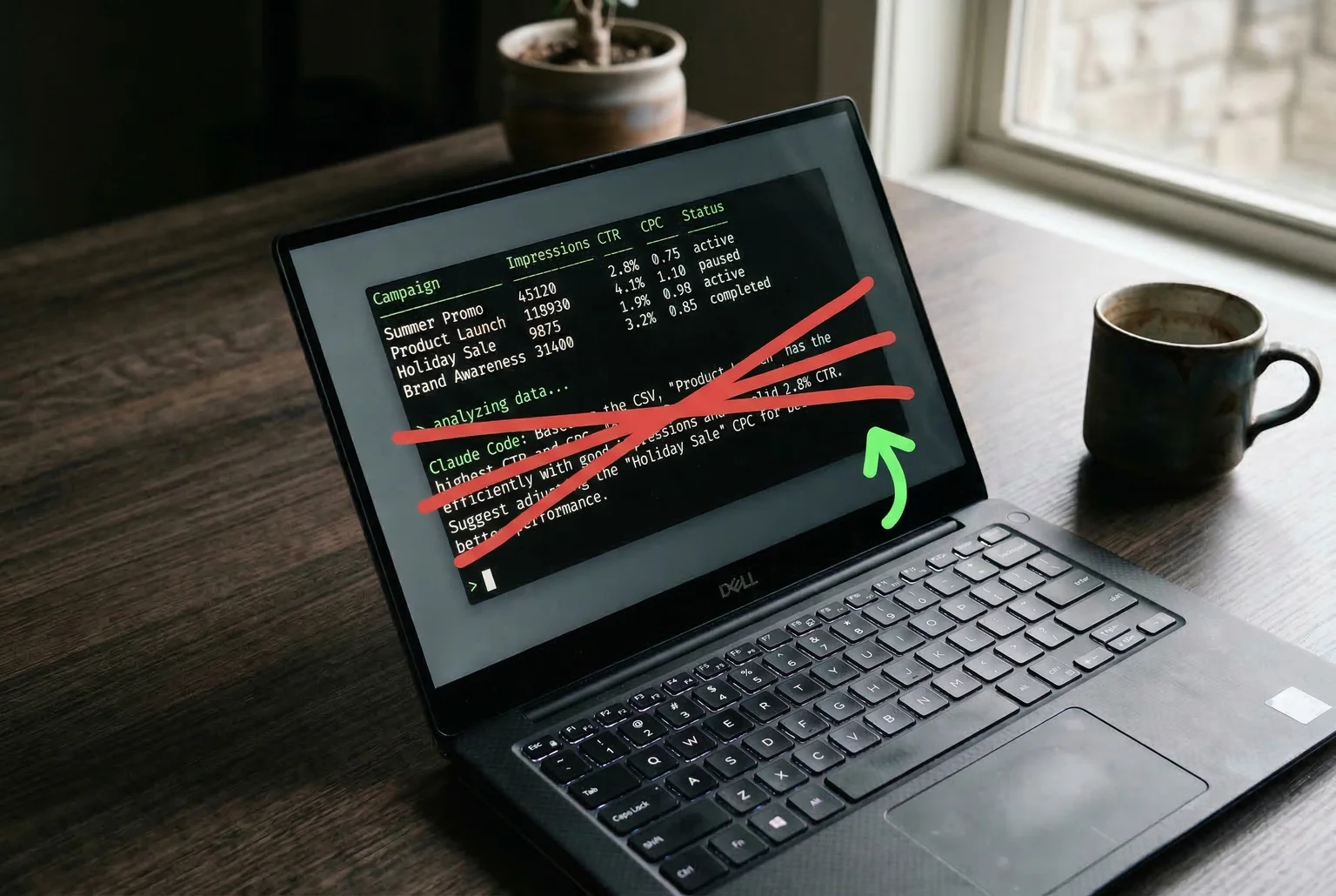
That’s not a productivity hack. That’s a different job description. (For where this kind of agentic workflow fits in the wider AI marketing playbook, see our AI marketing guide.)
Most founders look at Claude Code and see a coding tool — something for engineers to generate boilerplate or debug functions. That’s a category error. The same properties that make it useful for software (it reads files, runs commands, calls APIs, executes multi-step workflows without hand-holding) make it exactly what a lean marketing team needs. You can point it at a Google Ads account and get a bid optimization script. Point it at your content archive and get a gap analysis. Point it at your email list segments and get a personalized sequence, sent.
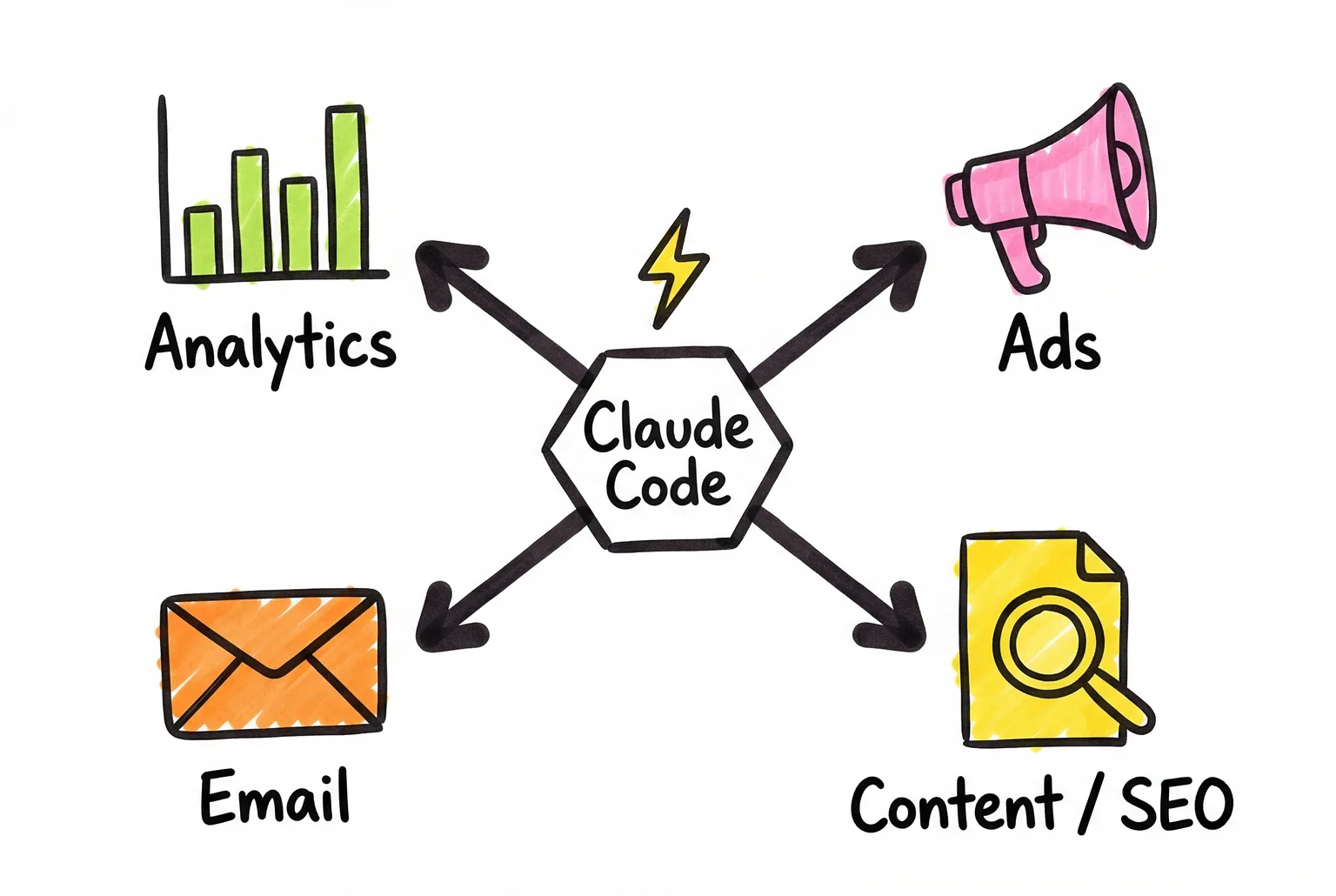
The thing that separates Claude Code from every other AI marketing tool is that it operates in your environment. It doesn’t need a SaaS wrapper or a no-code integration. It reads your actual data, writes real files, calls your actual APIs, and hands you output you can deploy. The tools built on top of it (MCP connectors, Skills, headless CLI jobs) are the pieces that turn a capable assistant into something closer to infrastructure.
That’s the thesis of this guide. Claude Code is a marketing stack for teams who can’t afford to hire five specialists but need the output of five specialists. The sections that follow show exactly how to build it.
Analytics, ads, email, SEO — here’s what it actually does
Analytics: one command, no more spreadsheet archaeology
Export your Google Ads, Meta, and Amplitude data as CSVs. Drop them in a project folder. Then run:
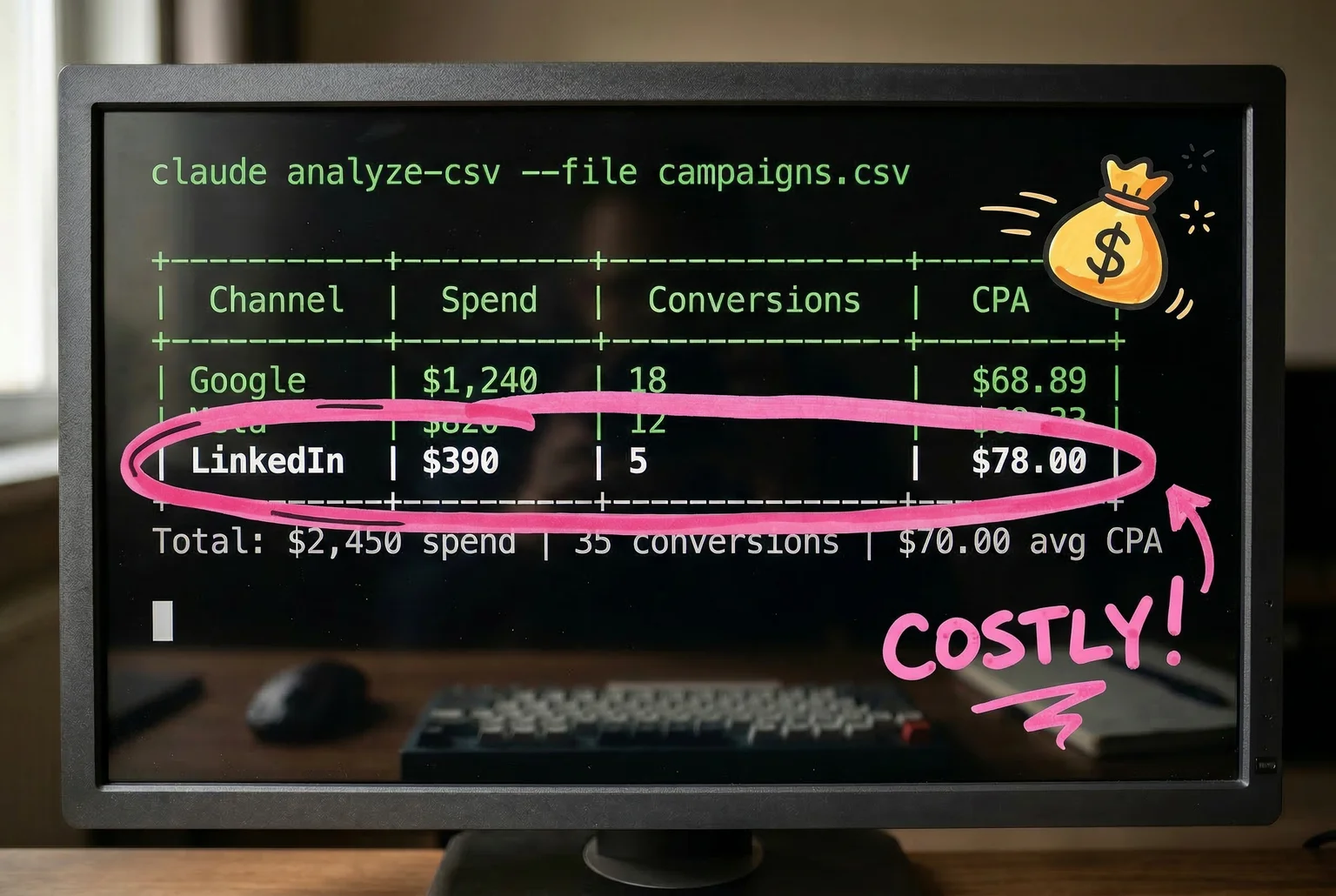
claude "analyze these CSVs, compute CPA by channel and campaign, flag anything where CPA spiked more than 15% week-over-week, and export an interactive HTML report"That’s it. Claude Code reads all three files, joins them, computes spend / conversions per row, and builds you a browsable dashboard. [17] A manual version of this takes a competent analyst about three hours. The automated version runs in roughly 90 seconds. [18] A $70 CPA from $2,450 spend across 35 conversions isn’t a calculation you’re doing by hand anymore — it’s a line in the output.
The more interesting version connects live via MCP. Point the Google Ads MCP at your account, and instead of CSVs you’re pulling real-time keyword performance. Claude spots the 15% CPA spike in Google while Meta is flat, hypothesizes that a recent bid change is the driver, and flags it in the report before you’ve had coffee.
Ads: your competitor’s creative, reverse-engineered
Two things here: competitive intelligence and copy at scale.
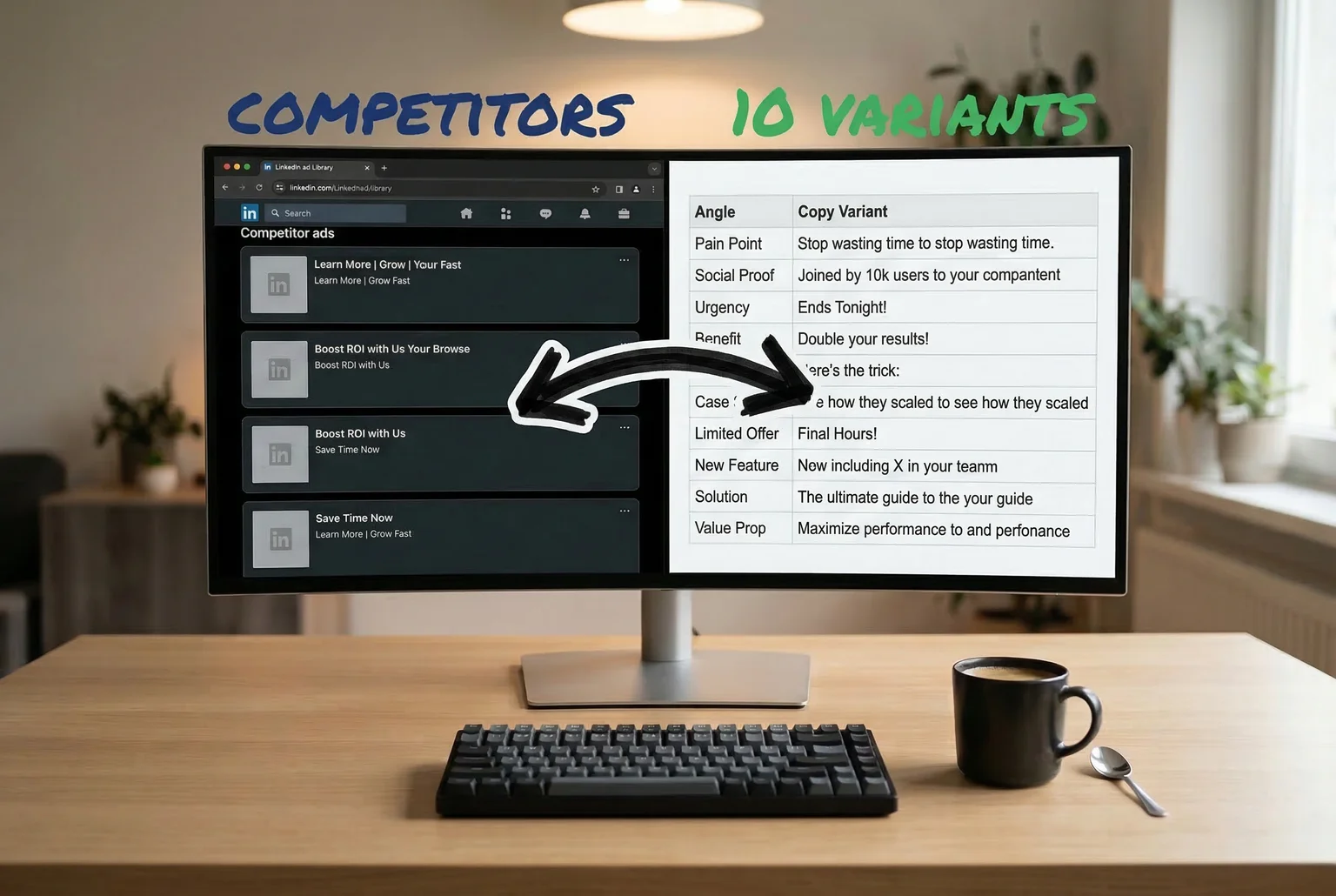
For intelligence, combine Firecrawl with the LinkedIn Ad Library. Write a short script that scrapes your top three competitors’ landing pages and their active LinkedIn ads, then ask Claude to extract messaging themes, offers, and CTAs. Schedule it as a weekly cron job and you get a running log of how their positioning shifts. B2B teams doing this manually spend a few hours a week on it. The automated version runs overnight and drops a summary in Slack. [16] [19]
For copy volume: give Claude your brief, your audience, your existing best performer, and ask for 25 variants across five angles. What used to take two hours per creative brief now takes about fifteen minutes, and you get enough variants to actually run meaningful A/B tests rather than the usual two-ad “experiment.” [8] Creative fatigue detection works the same way — feed in your performance time series and ask which creatives are showing frequency-driven CTR decay. Claude will flag them and suggest the angles it hasn’t seen you test yet.
Email: sequences that know what segment they’re talking to
The basic version: give Claude your subscriber CSV with UTM source, signup date, and any behavioral tags, then ask it to write a five-email welcome sequence with branching logic by segment. It writes the copy AND outputs the conditional logic as pseudocode your ESP can implement.
The more useful version pipes in live behavioral data. If someone visited your pricing page twice but didn’t convert, that’s a trigger. Claude generates the email, personalizes the subject line to their company size or vertical if you have that data, and queues it. This isn’t hypothetical — it’s a few dozen lines of Python connecting your ESP’s API to Claude’s output, which is exactly the kind of thing Claude Code writes for you when you ask it to. [16]
Content/SEO: what’s winning and why
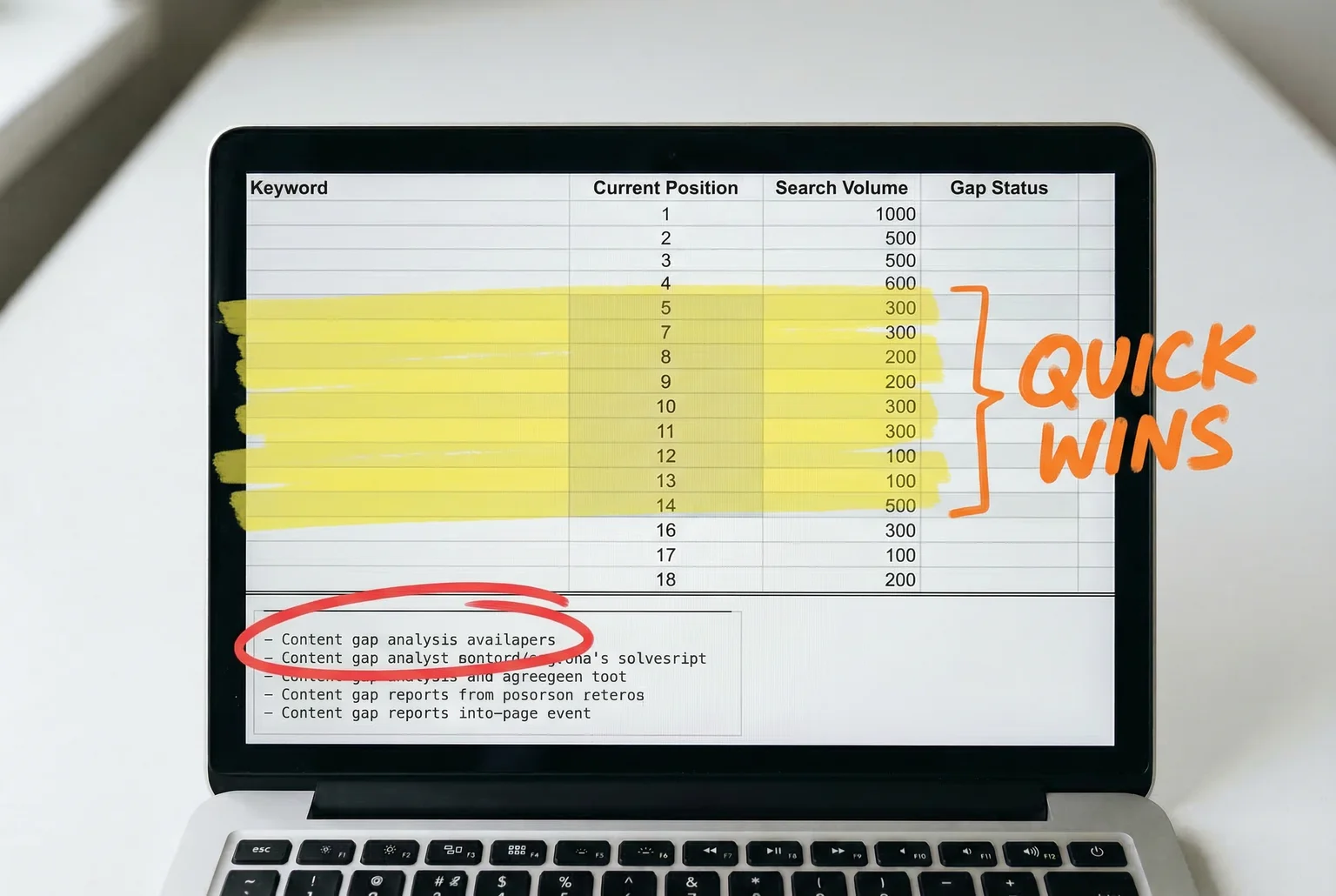
Kieran Flanagan’s content reverse-engineering approach is the clearest example of this done right. Pull your Google Search Console data via MCP, identify the pages sitting at positions 5-15 (close, not winning), feed the top three ranking competitors’ pages into Claude, and ask what structural and topical differences explain the gap. You get a specific rewrite brief, not a generic “add more headers” suggestion.
For keyword research: give Claude a seed list and your GSC data, ask it to cluster by intent, identify gaps versus your existing content map, and prioritize by search volume versus current ranking. It outputs a spreadsheet. For site audits, point it at your sitemap and ask it to crawl for missing meta descriptions, thin pages under 300 words, and internal linking gaps.
The through-line across all four: you’re not using a dashboard someone else built. You’re writing the exact analysis you need, against your actual data, in a few sentences of plain English.
The config file that makes Claude actually know your business
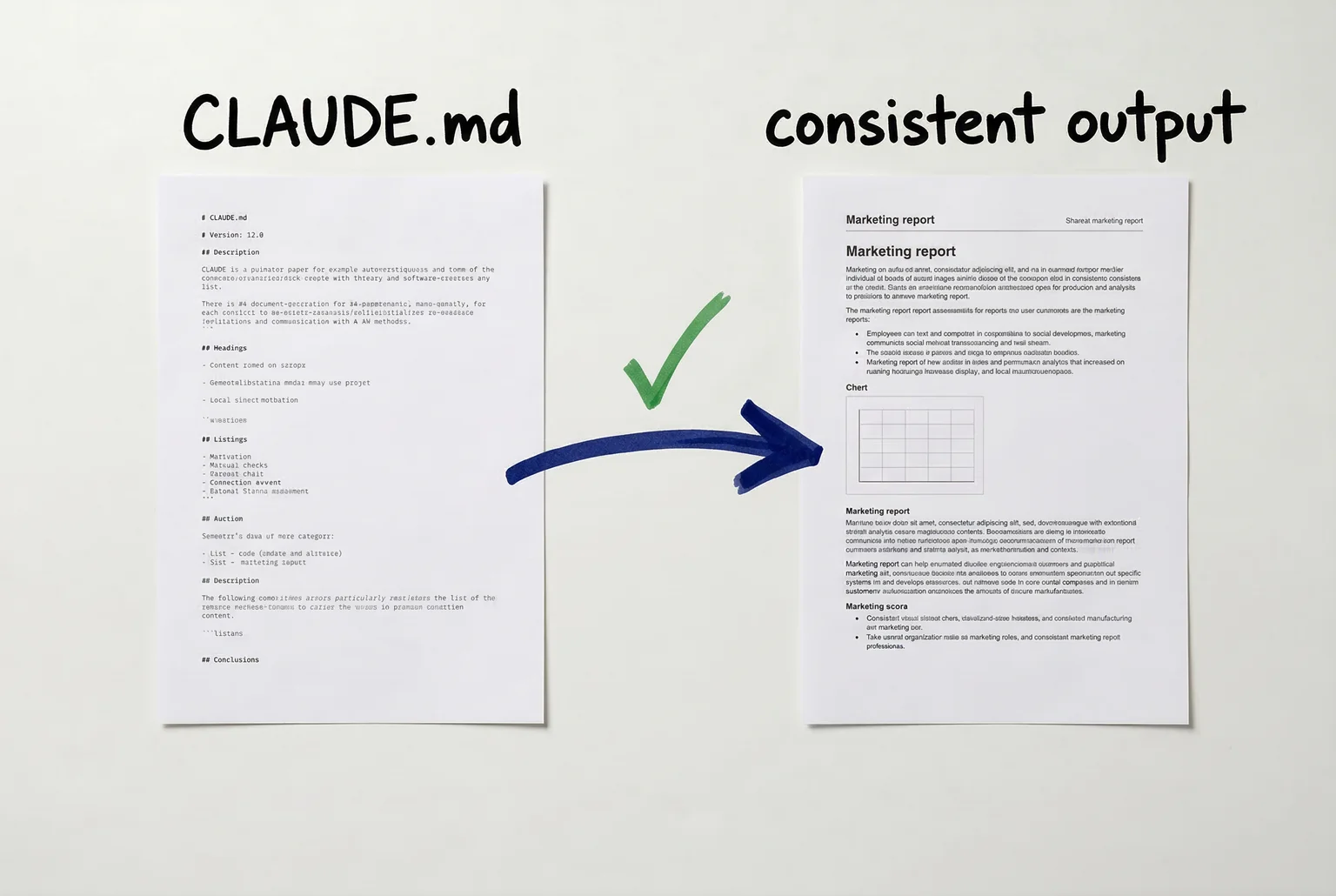
Every command in the previous section assumes Claude has context. Without it, you’re re-explaining your brand, your UTM conventions, and your target audience every single session. CLAUDE.md fixes that.
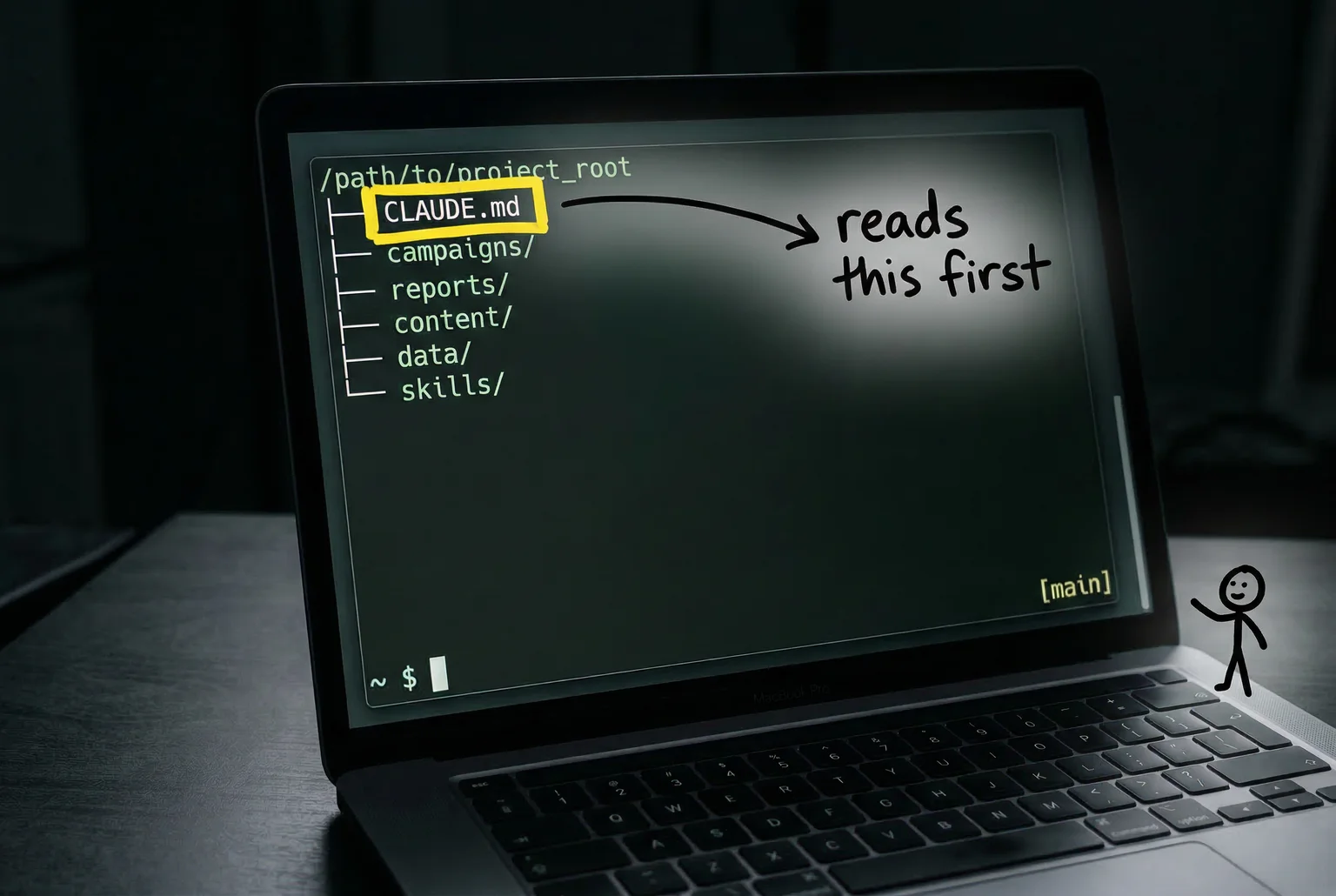
It’s a plain text file — lives at your project root, case-sensitive — and Claude Code reads it automatically every time you start a session. [36] Think of it as the briefing document you’d hand a new contractor, except you only write it once.
Here’s what a marketing project’s CLAUDE.md actually looks like:
# Project: [Company] Marketing

## Overview
B2B SaaS, mid-market HR buyers. Competing against Rippling and Lattice.
Primary KPIs: demo bookings, MQL-to-SQL rate, organic traffic to /pricing.

## Site & tools
- Analytics: Amplitude (export path: /data/amplitude/)
- Ads: Google Ads + LinkedIn. CSVs land in /data/ads/
- ESP: Customer.io. Segment tags in /data/segments.csv
- CMS: Webflow (no direct write access — export drafts to /content/drafts/)

## Brand voice
Peer-to-peer, not vendor-to-buyer. Short sentences. No jargon.
Reference doc: @docs/brand-voice.md (read when writing any external copy)

## Campaign conventions
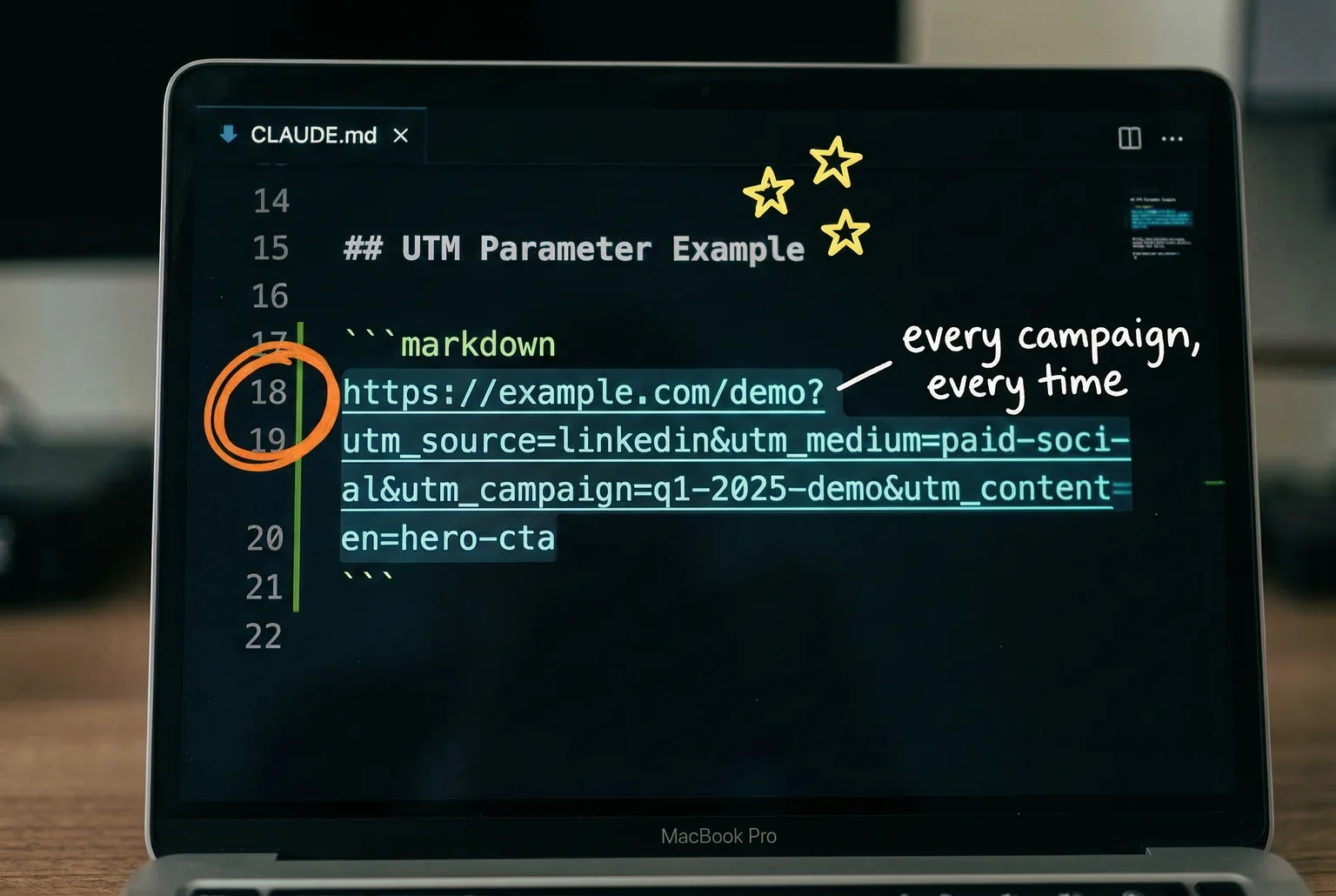
UTM format: ?utm_source=[channel]&utm_medium=[type]&utm_campaign=[YYYYMM]-[name]
Example: ?utm_source=linkedin&utm_medium=paid&utm_campaign=202506-mid-market-demo

## Content rules
- Always cite a specific data point in the intro paragraph
- H2s as questions, H3s as statements
- Reading level: Grade 8 or below (check with: claude "flesch-kincaid this file")

## Workflows
IMPORTANT: Before any report output, verify row counts match source files.
IMPORTANT: Never publish copy directly — save to /content/drafts/ for review.

## File paths
/data/        → raw exports (read only)
/reports/     → generated analysis
/content/     → copy drafts
/skills/      → reusable task files
A few things worth noting. The @docs/brand-voice.md import keeps the main file short while giving Claude access to deeper reference material when it needs it. [38] The IMPORTANT: prefix on those two workflow rules is intentional — community practice is that prefixing critical constraints this way reduces the rate at which Claude ignores them. [36]
Keep it under 200-300 lines. [36] Document what’s non-obvious to an outside contractor — your UTM format, your file structure, which tools you’re actually using. Don’t paste in your entire brand guidebook. That’s what @imports are for.
The UTM convention alone is worth the effort. A miscoded UTM means bad attribution data, and bad attribution data means wrong budget calls. Getting Claude to output correctly formatted UTM strings every time — consistently — is the kind of low-drama win that compounds across a hundred campaigns.
Run /init in a new project and Claude Code will generate a starter CLAUDE.md from your existing file structure. [40] Edit it. Add your brand voice, your KPIs, your file conventions. Commit it to Git. From here, every command in the rest of this guide assumes that foundation is in place.
Build a skill once, run it forever
CLAUDE.md gives Claude context about your business. Skills give it repeatable procedures.
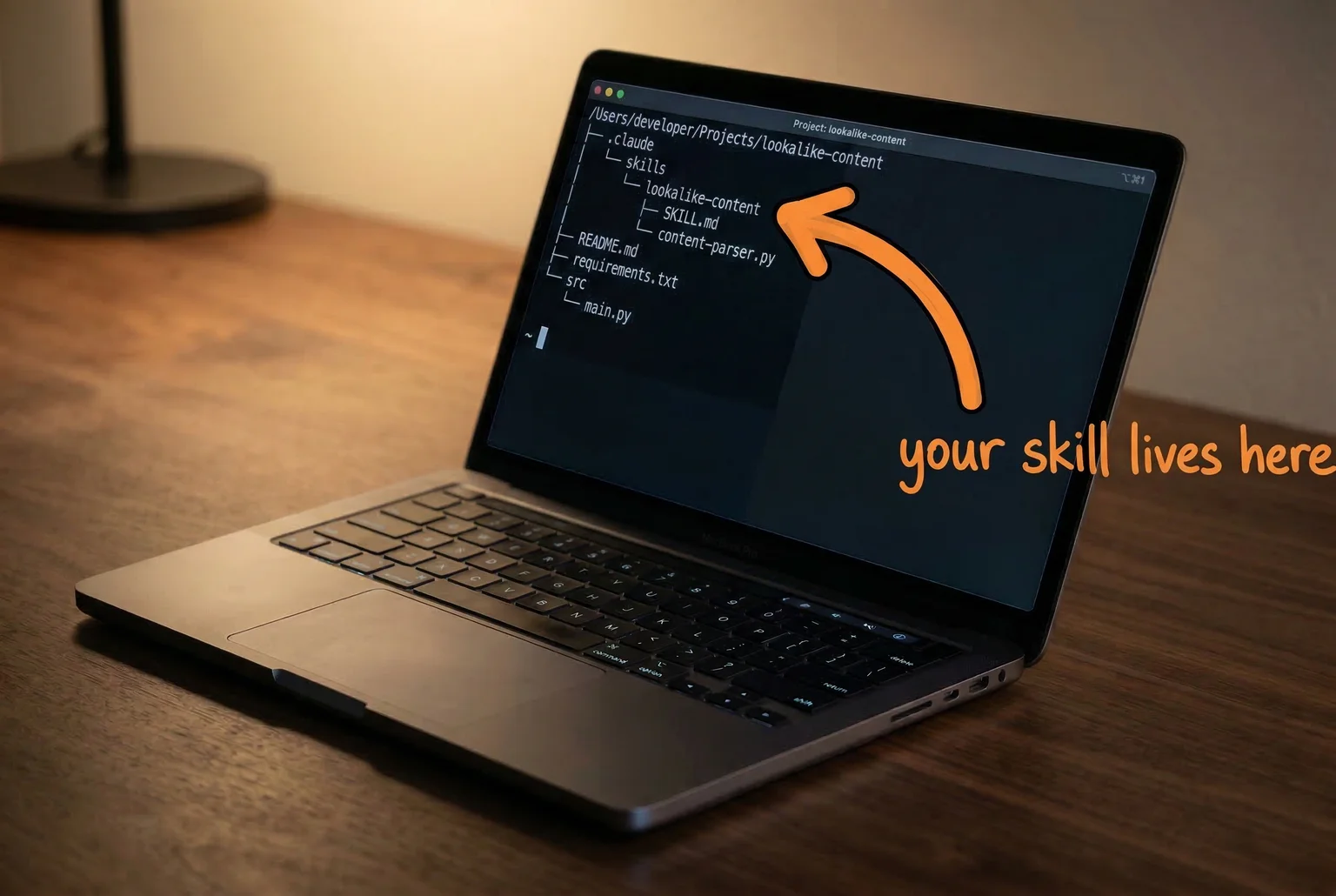
A skill is a folder. Drop it in .claude/skills/ at your project root (or ~/.claude/skills/ to use it across every project) and Claude picks it up automatically. [49] The only required file is SKILL.md — a YAML frontmatter block followed by plain markdown instructions.
.claude/skills/lookalike-content/
├── SKILL.md          ← required: metadata + instructions
├── reference.md      ← optional: supporting context
├── examples.md       ← optional: sample outputs
└── scripts/          ← optional: helper code
The YAML frontmatter looks like this:
---
name: lookalike-content
description: Analyzes your existing content and generates ideas matched to your proven patterns
argument-hint: path to your content export (HTML, CSV, or JSON)
---
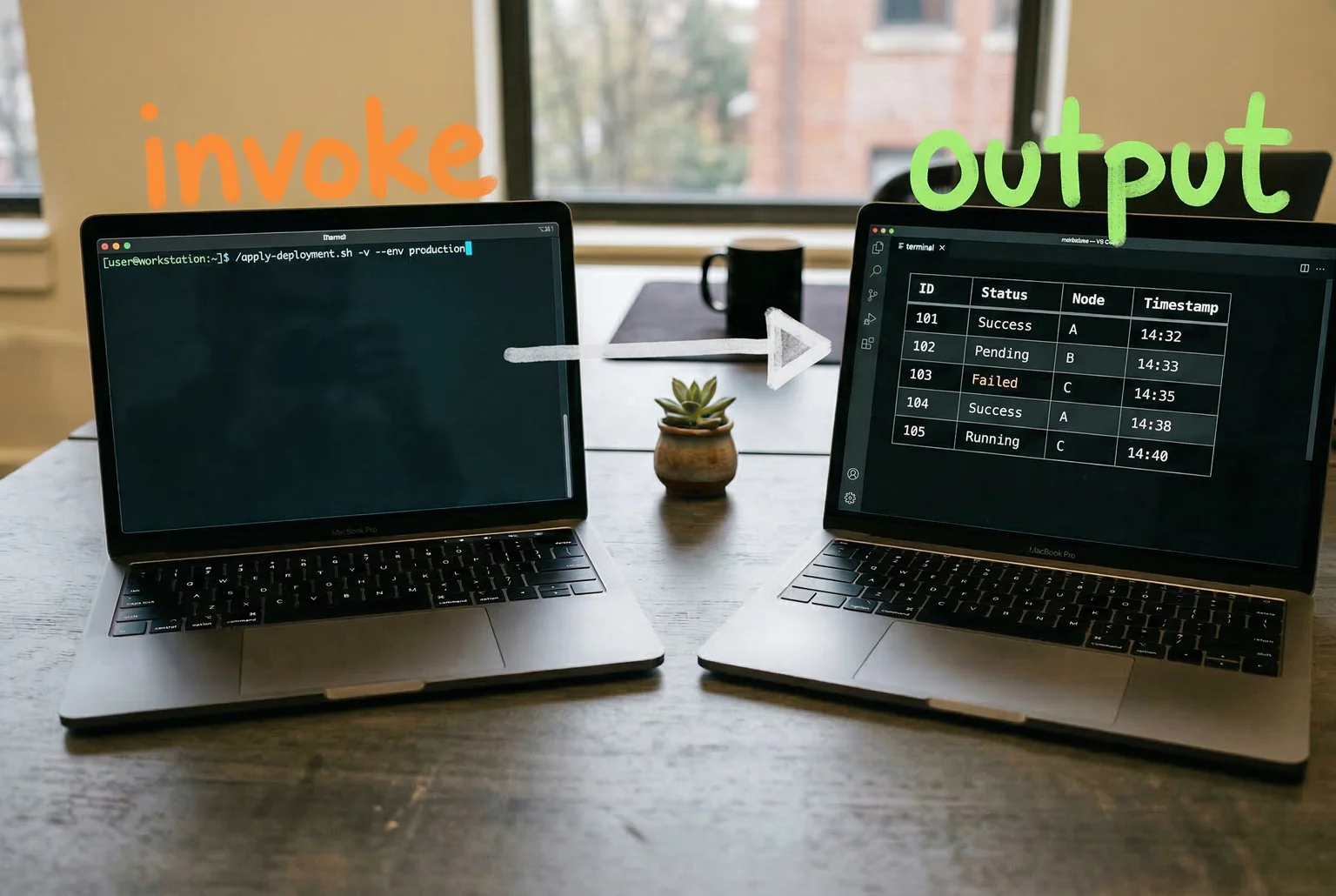
Claude matches the description field against what you’re asking for and loads the skill automatically. You can also call it directly with /lookalike-content [path]. [49] [53]
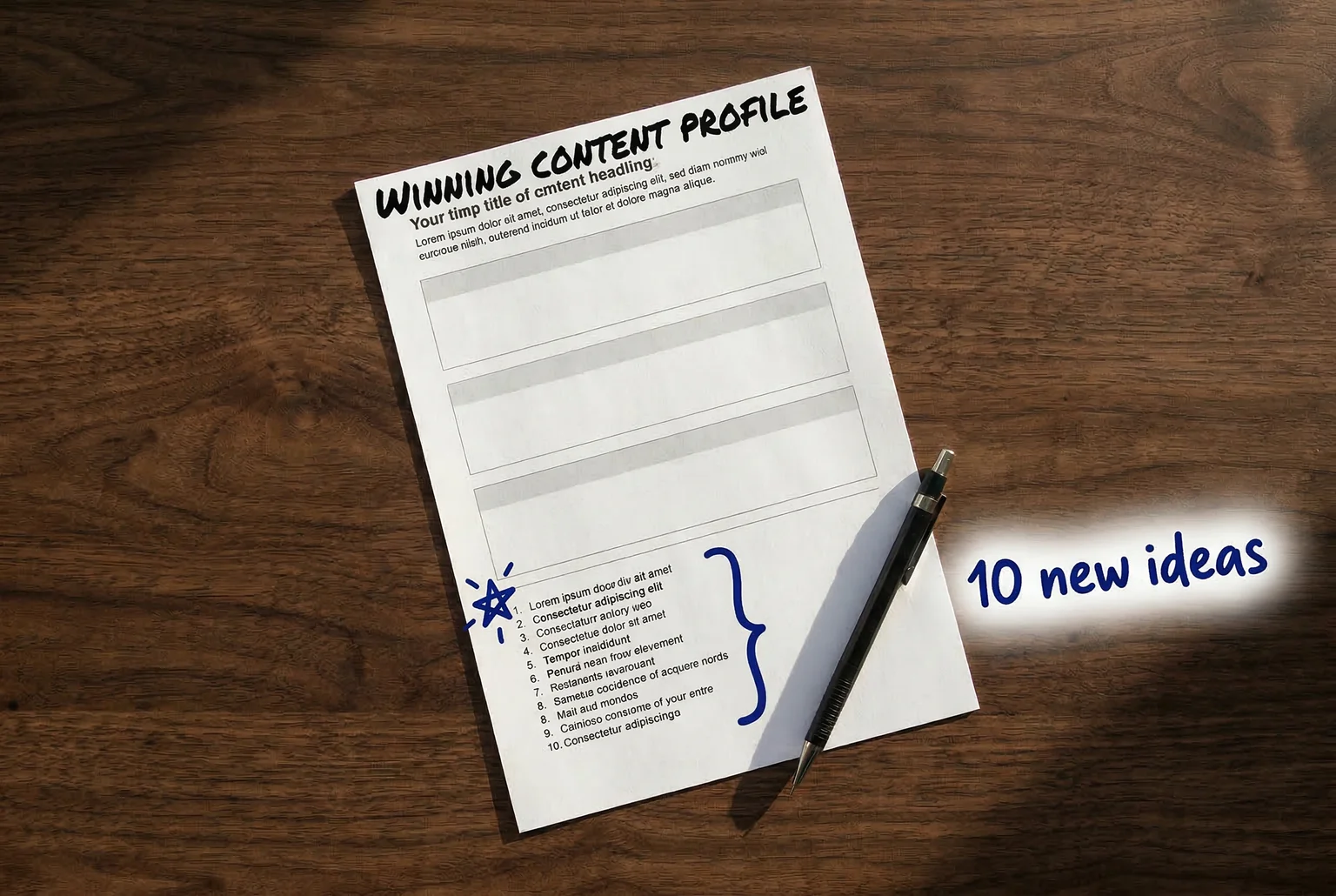
The best working example of this for marketing is Kieran Flanagan’s Lookalike Content Skill. Flanagan ran it against roughly 51 of his own Substack posts — exported as HTML — and got back a structured “Winning Content Profile” that mapped his recurring patterns across angles, formats, hooks, and post length, followed by 10 new content ideas calibrated to those patterns. [43]
The skill pipeline runs in three phases. First, it converts the raw content export into a clean dataset (filtering to the top ~30% of posts by engagement if metrics are available). Second, it synthesizes the Winning Content Profile across multiple dimensions. Third, it calls the Perplexity API to pull trending signals and generates ideas that sit at the intersection of your proven patterns and current momentum. [43] [44]
The output is organized markdown files. Not random brainstorm fodder — ideas anchored to what has actually worked for you. Flanagan describes it as part of a wider AI content team he built in Claude Code for researching, planning, writing, and iterating content across platforms. [45]
You can build narrower skills for your own stack. A utm-builder skill that reads your naming conventions from CLAUDE.md and generates correct UTM strings every time. A cpa-report skill that knows your attribution rules and acceptable thresholds. A competitor-ad-audit skill that takes a domain, pulls ad library data, and formats a comparison table.
The point is that skills externalize your process. Once written, anyone on the team runs the same procedure the same way — including you at 11pm when you’ve forgotten how you set up last quarter’s analysis. Store them in Git alongside your CLAUDE.md and they travel with the project.
Connect your data or keep talking to a wall
Skills are only as useful as the data they can touch. That’s what MCP (Model Context Protocol) connections solve: they give Claude live read/write access to your actual marketing platforms instead of making you paste screenshots into a chat window.
Three integrations are worth setting up first.
Google Search Console is the highest-value connection for most content-focused teams. The mcp-gsc server runs locally and connects via OAuth or a service account JSON file (useful for unattended jobs where you don’t want an interactive auth prompt). [1] Add it to your claude_desktop_config.json_desktop_config.json`:
{
  "mcpServers": {
    "gsc": {
      "command": "python",
      "args": ["-m", "mcp_gsc"],
      "env": {
        "GOOGLE_CREDENTIALS_FILE": "/path/to/credentials.json"
      }
    }
  }
}
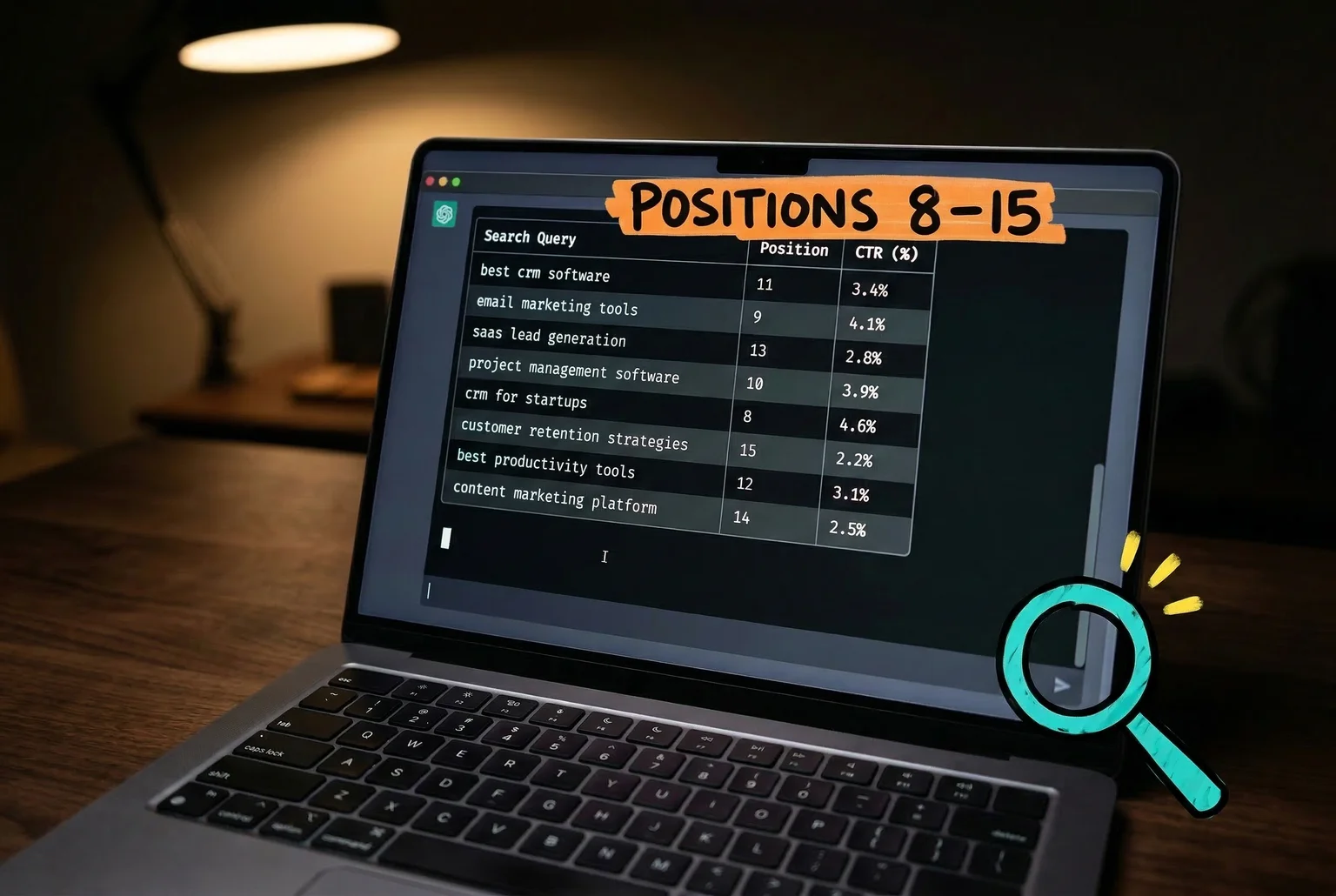
Once connected, you can ask Claude to fetch search analytics by page or query, inspect URL indexing status, pull sitemap errors, or surface queries where you rank between positions 8 and 15 and are losing clicks to featured snippets — all by typing. No Sheets export, no manual filtering. [9]
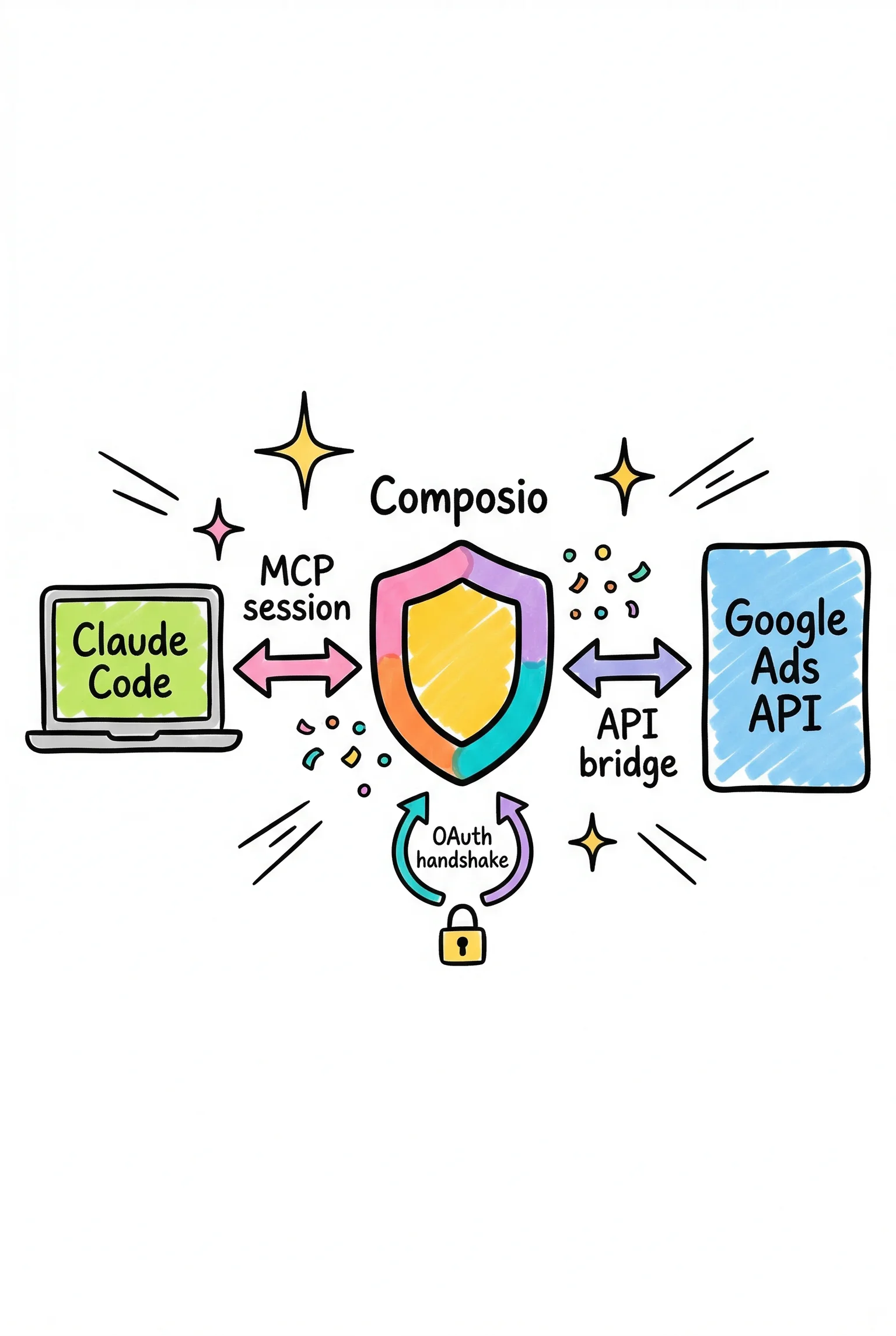
Google Ads connects cleanly through Composio’s MCP layer. [4] The setup: generate an MCP session URL via the Composio SDK, register it with claude mcp add google-ads <URL>, run claude mcp list to verify, then complete OAuth in the terminal. From there Claude can pull campaign metrics (CPC, CTR, ROAS), surface wasted spend by ad group, build customer match lists, and update audiences. [10] Store credentials in a .env file rather than hardcoding them in the config — basic hygiene that matters more once you’re running unattended jobs. [3]
Mixpanel has both a community MCP server and an official hosted endpoint. [6] The community server runs via npx and exposes mixpanel_track_event_track_event` and mixpanel_set_user_profile_set_user_profile` tools directly to Claude. Useful for querying funnels during an analysis session, or triggering profile updates as part of an outreach pipeline.
GA4 and Amplitude don’t have verified MCP integrations at this point — the community repos that exist are incomplete. If your analytics stack runs on either, you’ll get further writing Python scripts that pull from their APIs and feeding the output to Claude as files.
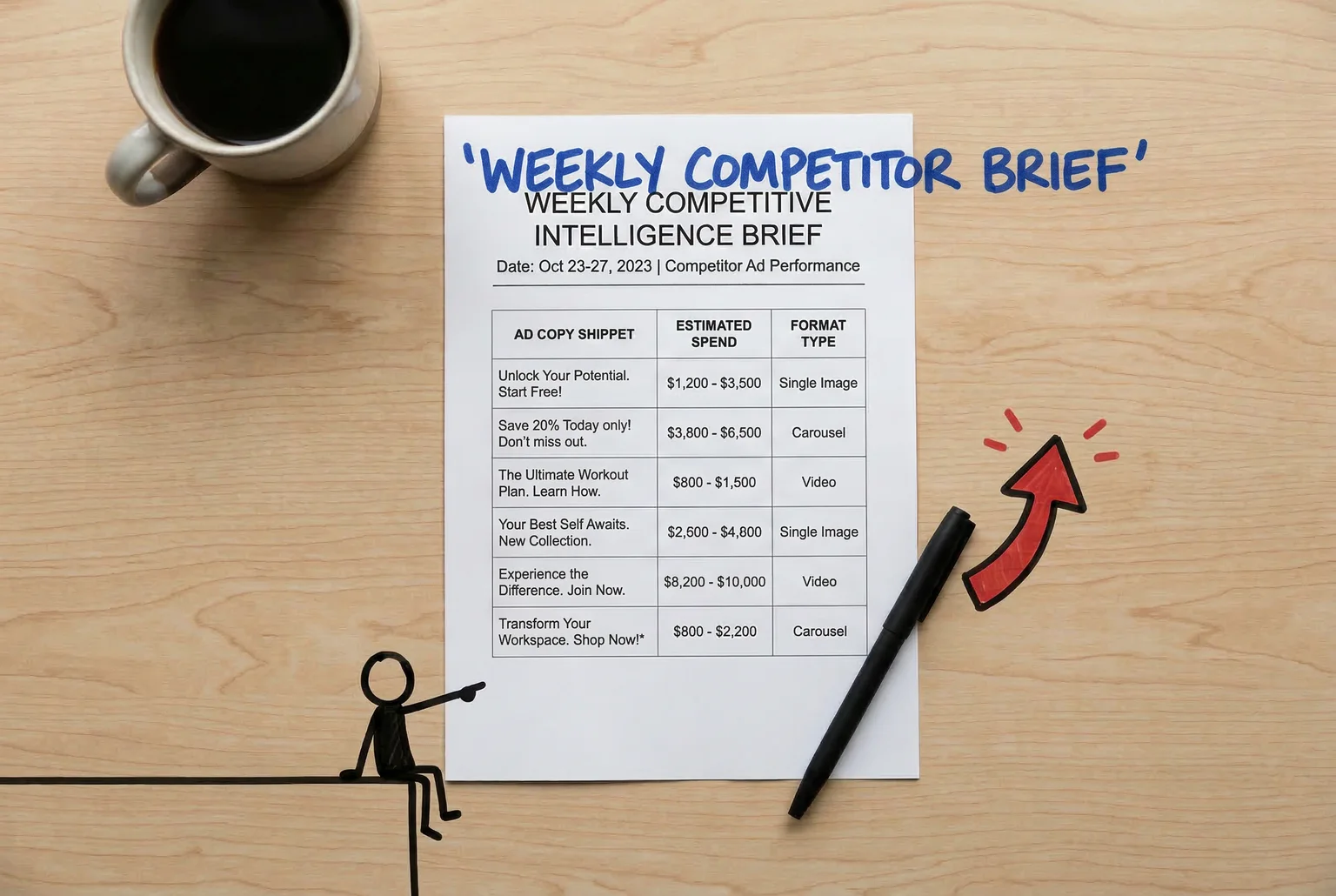
One more worth knowing about: the LinkedIn Ad Intelligence Agent pattern, where Claude queries competitor ad libraries on a schedule and formats findings into a weekly brief. The MCP layer handles auth and data retrieval; a skill handles the formatting. [7] That separation — MCP for connectivity, skills for procedure — is the right mental model for building anything that runs regularly.
Set it and forget it (except you actually can)
MCP handles connectivity. Skills handle procedure. But the moment you wire them together into a scheduled pipeline that runs while you’re asleep — that’s where the arithmetic changes.
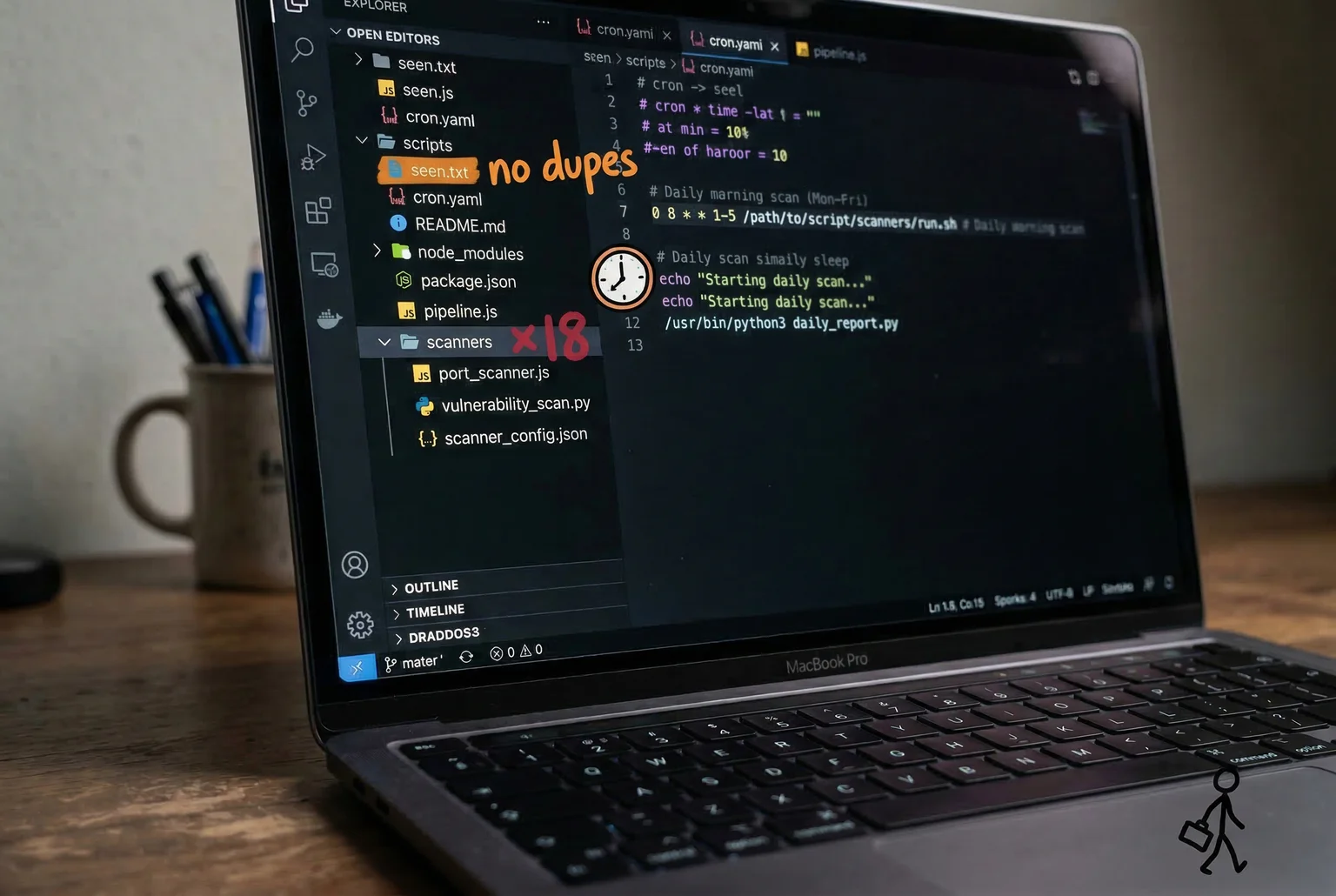
FutureSearch built the most documented example of this. Their production pipeline fires every weekday at 08:00 UTC and runs six sequential phases without a human touching a keyboard: Scan, Enrich, Classify, Propose, Report, and Git (which auto-creates a branch and PR with the day’s findings). [2] The whole thing lives in a Kubernetes cronjob.

The Scan phase runs 18 Python scanners across Reddit, StackOverflow, HubSpot community forums, Shopify discussions, and similar sources, deduplicating against a seen.txt file so nothing gets processed twice. [4] Classify applies a 13-question rubric and scores each thread 1-5, keeping only 4s and 5s. Propose then selects from a catalog of 29 demos using five strategies — the default is PROVE_CAPABILITY at roughly 80% of runs. [7]
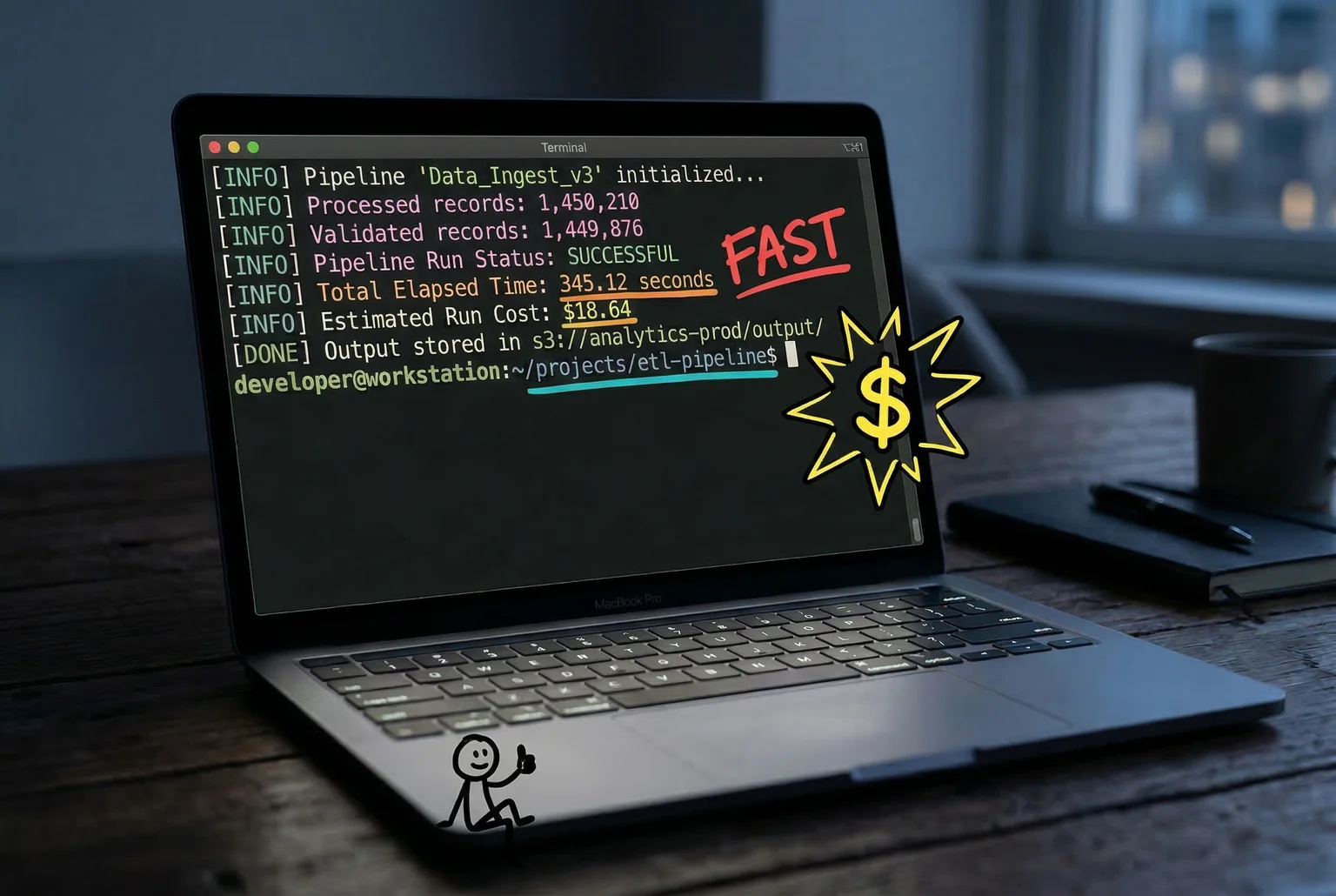
Numbers from a six-week production window: 3,800+ URLs processed, 642 proposals recorded, signal rate of roughly 2-3%. [6] [9] One logged run processed 210 records in 52 seconds at $0.23. [8] Human review takes about 15 minutes per opportunity batch, down from a full day of manual research. [10]
That’s not a demo. That’s a production marketing system a small team actually ships with.
The mechanics that make unattended runs work are three CLI flags. -p (or --print) puts Claude in non-interactive mode and pipes output to stdout. --allowedTools restricts which tools Claude can use during the run — essential for keeping automated jobs scoped. --dangerously-skip-permissions removes interactive approval prompts entirely, which is what you need for cron and CI. [1] Use it only in sandboxed environments; it means what it says.
claude -p "Run the daily marketing scan and output JSON" \
  --allowedTools "Bash,Read,Write" \
  --dangerously-skip-permissions \
  >> logs/scan_$(date +%Y%m%d).log 2>&1
Add that to a crontab entry or a GitHub Actions workflow and you have a job that runs, logs, and fails quietly if something breaks. Parse the JSON output downstream with jq or feed it directly into a report skill.
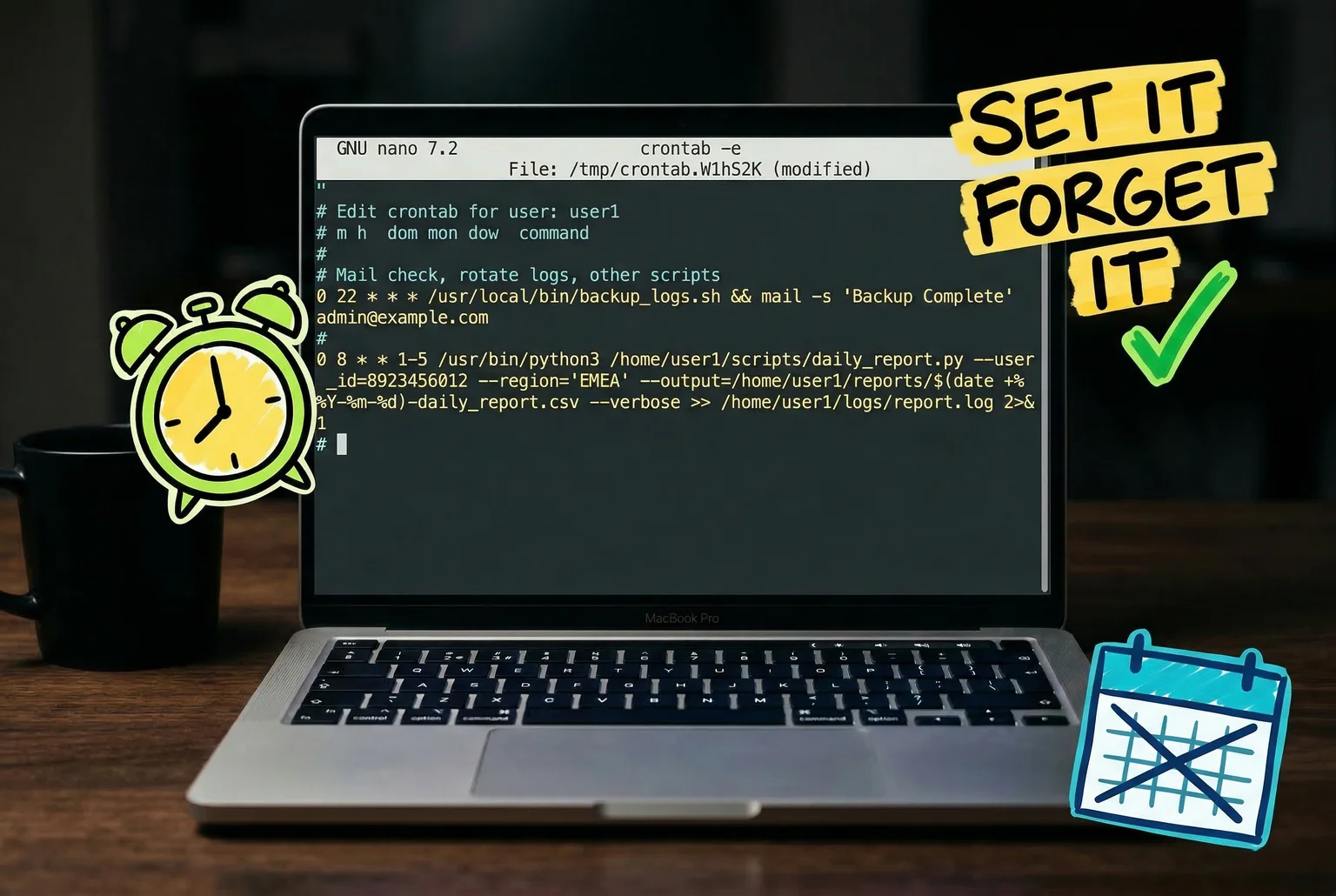
The FutureSearch example repo shows the cronjob structure if you want a starting scaffold. It’s simplified relative to their production setup, but the bones are all there. The jump from “Claude does things when I ask” to “Claude does things on a schedule” is mostly just cron syntax and a willingness to let a pipeline fail a few times before it runs clean.
The parts only you can do
Claude Code runs pipelines at 2am and never complains. It will not, however, tell you whether your new brand voice sounds like a nervous intern or whether your campaign headline is one word away from a lawsuit.
These gaps are real. Know them going in.
Latency isn’t zero. A complex pipeline with multiple sub-agents, external API calls, and file writes can take several minutes. For anything time-sensitive — a real-time bidding decision, a live campaign pause during a PR crisis — you need a human in the loop or a dedicated purpose-built tool. Claude Code is for the work that can tolerate a few minutes of processing time.
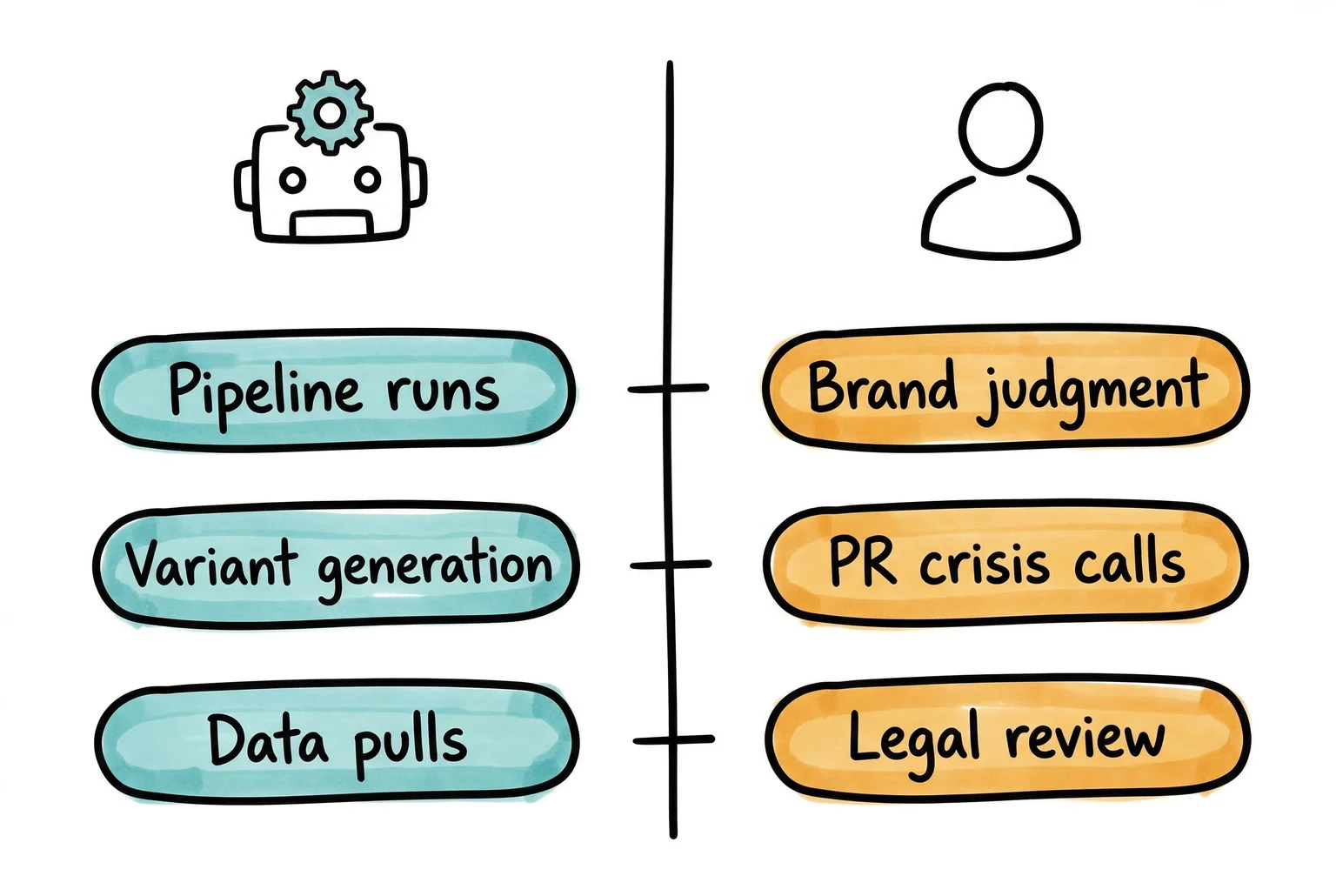
Creative judgment is still yours. Claude will generate 20 ad copy variants from a brief. It won’t know which one is wrong for your audience in a way that damages trust, or which one accidentally echoes a competitor’s campaign you just killed. Brand nuance — the kind that lives in your gut after three years building the company — doesn’t transfer cleanly to a CLAUDE.md file. The brief helps. It doesn’t replace the edit.
Approval workflows don’t exist natively. There’s no built-in concept of “send this output to Slack for sign-off before it posts.” You build that yourself with a webhook or a simple human-in-the-loop step in your pipeline. FutureSearch handles this by having the pipeline create a PR rather than auto-publish — a human reviews before anything ships. That’s the right model for anything customer-facing.
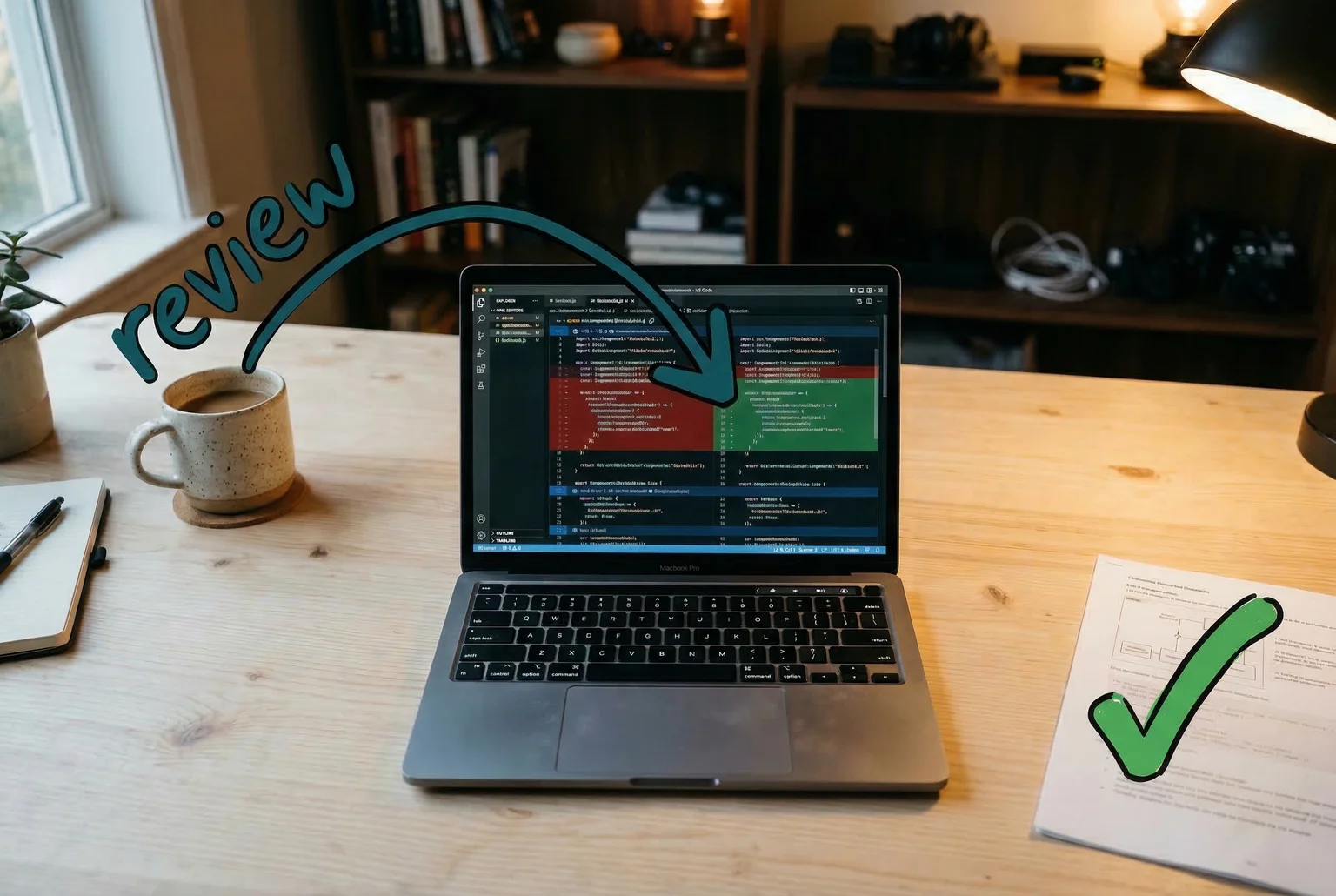
Legal and compliance review is entirely on you. Claude doesn’t know your specific jurisdiction, your ad account’s history with policy violations, or the context of what you promised customers last quarter. Anything that carries legal weight — GDPR consent copy, financial disclaimers, terms-of-service language, regulated industry claims — gets human review. Every time. The fact that Claude drafted it confidently is not a substitute.

The honest framing: Claude Code handles the repetitive, the procedural, and the analytical at a scale you couldn’t match alone. You own anything that requires judgment, accountability, or context that isn’t in the files.
Get something running this week
Stop planning. Here’s what to do, in order.
Day 1: Install and configure. Run npm install -g @anthropic/claude-code, authenticate, then create your first marketing project folder. Write a CLAUDE.md that covers your company, your audience, your tone, the metrics that matter, and the tools you have access to. Spend an hour on this. It compounds.
Day 2: Connect one data source. Pick whichever you’re most frustrated with — Google Search Console, Google Ads, or your analytics platform. Install the relevant MCP server (the mcp-gsc repo for GSC, the Google-published MCP server for Ads). Run a manual query in plain English: “Which pages lost the most impressions this month?” See what comes back. The point isn’t to build a pipeline yet — it’s to prove the connection works and that the outputs are useful.
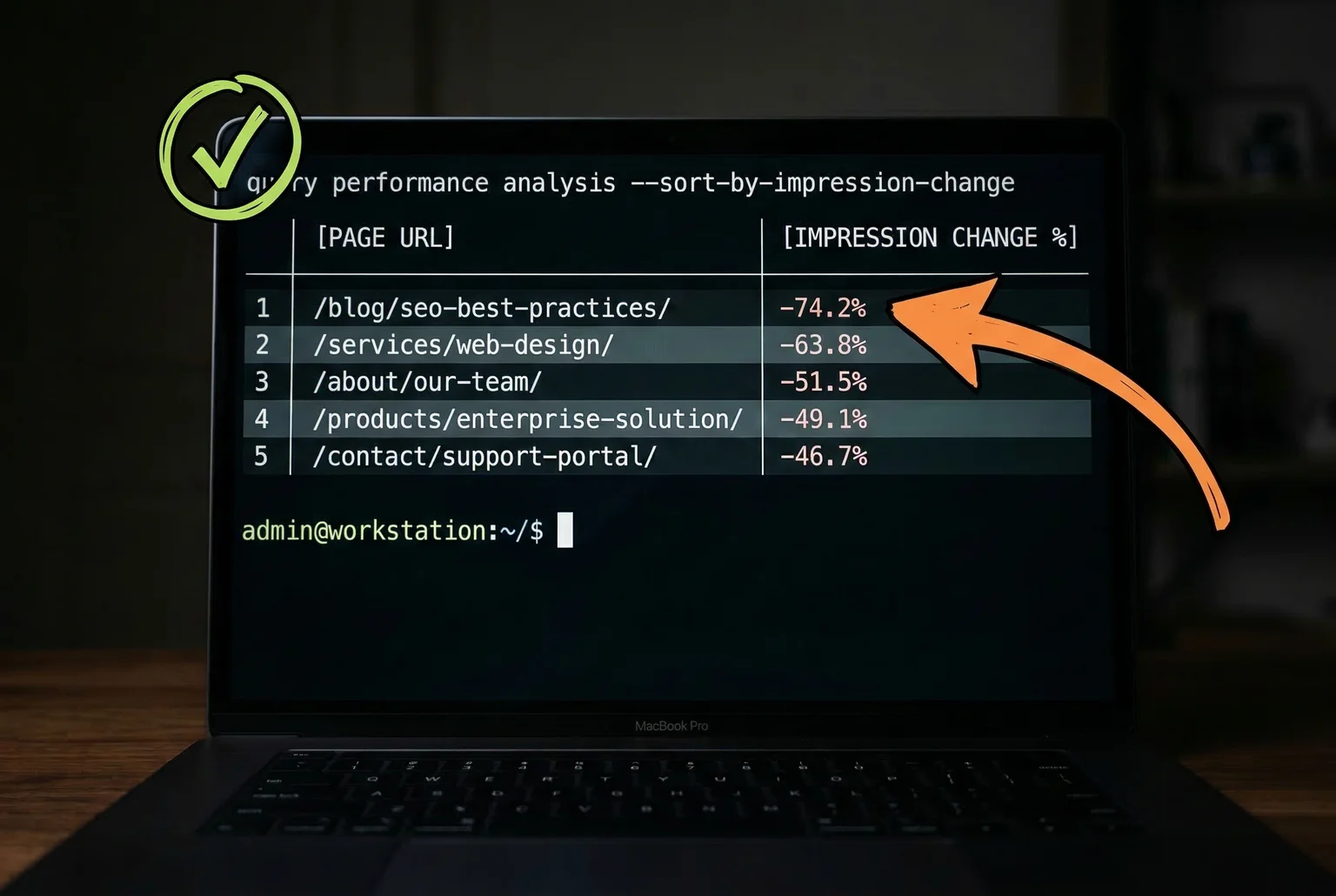
Day 3: Build one skill. Take something you do at least weekly — competitor analysis, ad copy variants, a content brief — and encode it as a skill file. Follow the structure from the skills section: description, input schema, step-by-step instructions, output format. Invoke it once manually. Refine the output. You now have a reusable tool that runs consistently every time.
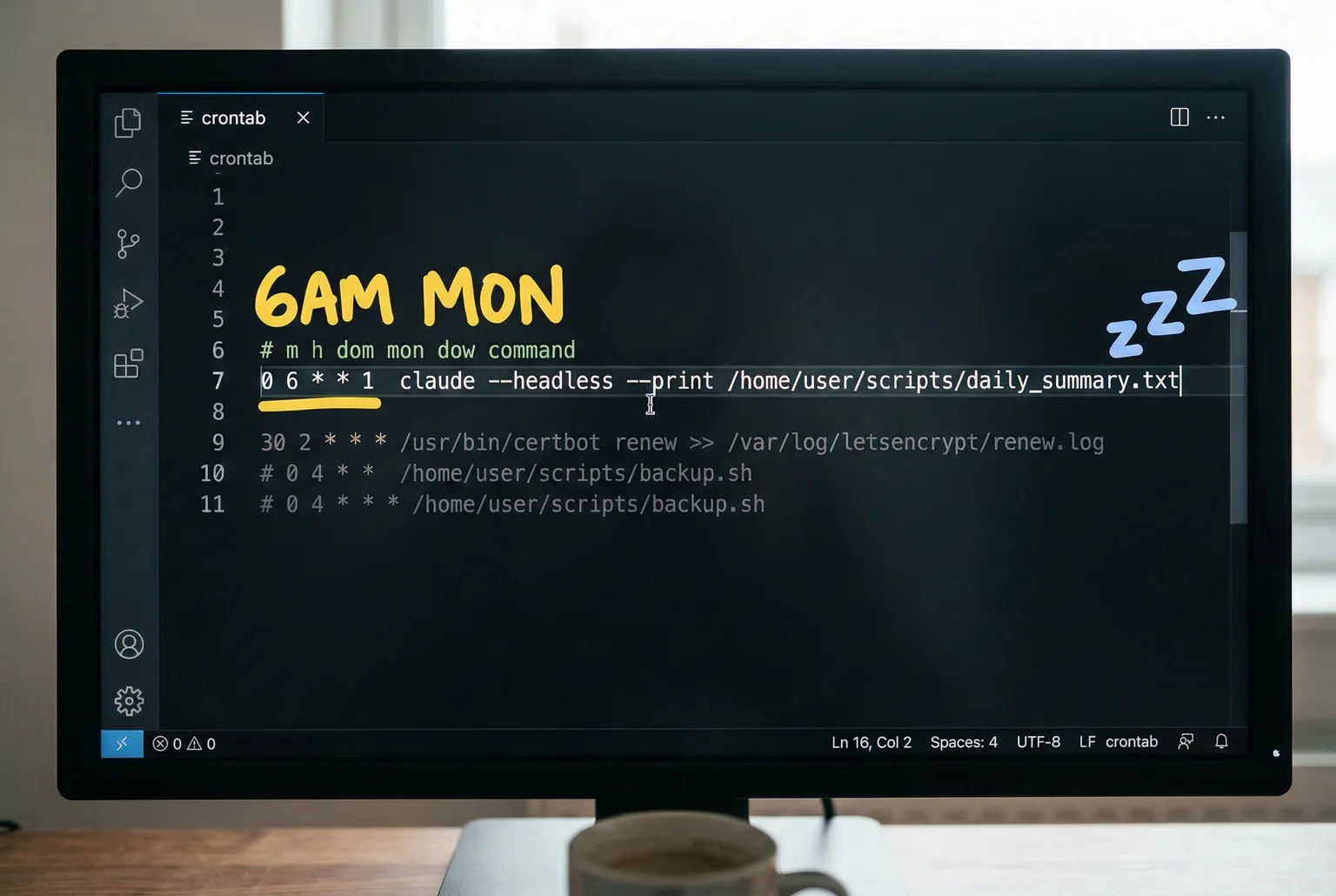
Day 4: Write one loop. Take your skill and wrap it in a headless CLI call. Something like:
claude --headless --print \
  "Run the ad-copy-variants skill against this week's top performer. Output to /reports/variants-$(date +%Y%m%d).md"
Schedule it with cron. Let it run unattended. Check the output the next morning.
Day 5: Review and tighten. Read everything the system produced this week. Where did it nail it? Where did the output need heavy editing? Go back to your CLAUDE.md and add whatever context was missing. The first version of your config is always wrong. That’s fine.
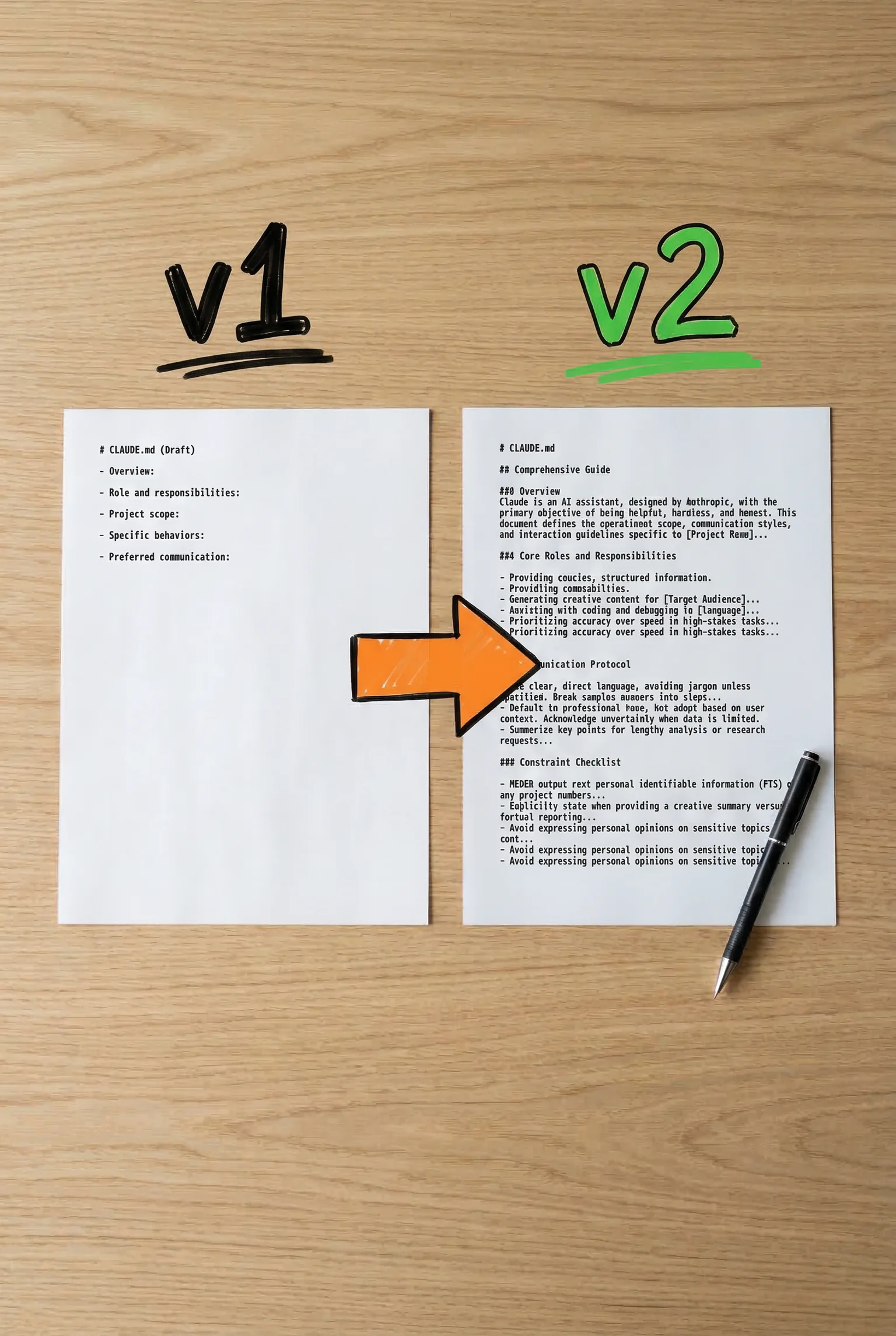
Day 6-7: Build the second pipeline. Once you’ve done it once, the second one takes a fraction of the time. Pick your next-highest-friction marketing job — weekly email performance report, keyword clustering for a new campaign, content gap analysis — and build it the same way.
That’s the whole ramp. One data connection, one skill, one loop, one iteration cycle. By the end of the week you have a working system, not a prototype.
The setup cost is one week. After that, the work just runs.
Sources
[1] Enabling Claude Code to Work More Autonomously — https://www.anthropic.com/news/enabling-claude-code-to-work-more-autonomously
[2] YouTube: Solo Swift Crafter — video on failure modes for solo developers (Daniel) — https://www.youtube.com/watch?v=AURa5oPVvaE
[3] Claude AI Codes Solo for 30 Hours; Humans Remain Crucial — https://news.designrush.com/claude-ai-codes-solo-30-hours-humans-remain-crucial
[4] Claude Code deep dive — the terminal-first AI coding agent — https://dev.to/pockit_tools/claude-code-deep-dive-the-terminal-first-ai-coding-agent-thats-changing-how-developers-work-37ea
[5] Disrupting the first-reported AI-orchestrated cyber-espionage campaign (PDF) — https://assets.anthropic.com/m/ec212e6566a0d47/original/Disrupting-the-first-reported-AI-orchestrated-cyber-espionage-campaign.pdf
[6] YouTube video (related Claude Code / developer workflows) — https://www.youtube.com/watch?v=Twzq69zytsQ
[7] YouTube video (related Claude Code / developer workflows) — https://www.youtube.com/watch?v=KAny6Qtz7xk
[8] X status 2032863625128587534 — workflow & impact (solo operator / Claude Code) — https://x.com/i/status/2032863625128587534
[9] X status 2031911796697681972 (solo operator / Claude Code) — https://x.com/i/status/2031911796697681972
[10] X status 2033293384241050040 (solo operator / Claude Code) — https://x.com/i/status/2033293384241050040
[11] X status 2031906827450138812 (metrics / timelines cited) — https://x.com/i/status/2031906827450138812
[12] X status 2031741665061277859 (solo operation timeline) — https://x.com/i/status/2031741665061277859
[13] X status 2031711679244054862 (Claude Code / company impact claim) — https://x.com/i/status/2031711679244054862
[14] X status 1995940297692643827 (company-level revenue claim referenced) — https://x.com/i/status/1995940297692643827
[15] X status 2025744296692072498 (23-page guide reference) — https://x.com/i/status/2025744296692072498
[16] Claude Code for Marketers — https://www.firecrawl.dev/blog/claude-code-for-marketers
[17] Claude Code Guide for Marketers — https://growthmethod.com/claude-code-guide-marketers/
[18] YouTube video (WK0bZrS8pVs) — https://www.youtube.com/watch?v=WK0bZrS8pVs&vl=en-US
[19] Claude Code Social Media Analytics Tutorial — https://stormy.ai/blog/claude-code-social-media-analytics-tutorial
[20] Marketing Pipeline Using Claude Code — https://futuresearch.ai/blog/marketing-pipeline-using-claude-code/
[21] How I Built an AI Marketing Team with Claude Code and Cowork — https://snow.runbear.io/how-i-built-an-ai-marketing-team-with-claude-code-and-cowork-f3405a53ee22
[22] coreyhaines31/marketingskills — https://github.com/coreyhaines31/marketingskills
[23] Google Ads Bid Management with Claude Code Automation — https://stormy.ai/blog/google-ads-bid-management-claude-code-automation
[24] Claude Code for PPC Professionals: Automating Campaign Management with AI — https://www.adventureppc.com/blog/claude-code-for-ppc-professionals-automating-campaign-management-with-ai
[25] How to Connect Google Ads to Claude — https://windsor.ai/how-to-connect-google-ads-to-claude/
[26] Claude Code Marketing Workflows: Google & Meta Ads — https://get-ryze.ai/blog/claude-code-marketing-workflows-google-meta-ads
[27] Exploring Claude 3.5/Sonnet for Google Ads Optimizations — https://openmoves.com/blog/exploring-claude-3-5-sonnet-for-google-ads-optimizations-testing-rsa-analysis/
[28] Optimize Meta and Google Ads with Claude AI — https://easyinsights.ai/blog/optimize-meta-and-google-ads-with-claude-ai/
[29] YouTube video (Fee6QfFLnKQ) — https://www.youtube.com/watch?v=Fee6QfFLnKQ
[30] CLAUDE.md examples — GTM marketing (AI Agent Strategy) — https://aiagentstrategy.com/blog/claude-md-examples-gtm-marketing/
[31] YouTube video referenced in research — https://www.youtube.com/watch?v=1JOkxV10Mgk
[32] Claude project examples (Tactiq) — https://tactiq.io/learn/claude-project-examples
[33] CLAUDE.md mastery (Code With Mukesh) — https://codewithmukesh.com/blog/claude-md-mastery-dotnet/
[34] claude-templates (GitHub) — https://github.com/luanmxz/claude-templates
[35] CLAUDE.md best practices (UX Planet) — https://uxplanet.org/claude-md-best-practices-1ef4f861ce7c
[36] How to write CLAUDE.md — Best practices (TurboDocx) — https://www.turbodocx.com/blog/how-to-write-claude-md-best-practices
[37] How to write a CLAUDE_md file (Selling With Nas) — https://www.sellingwithnas.com/how-to-write-a-claude_md-file
[38] CLAUDE.md configuration tutorial (Claude Code 101) — https://www.claudecode101.com/en/tutorial/configuration/claude-md
[39] Writing a good CLAUDE.md (HumanLayer) — https://www.humanlayer.dev/blog/writing-a-good-claude-md
[40] Claude Code documentation — Overview — https://code.claude.com/docs/en/overview
[41] claude-md-templates (GitHub / abhishekray07) — https://github.com/abhishekray07/claude-md-templates/blob/main/README.md
[42] X post / template by @bcherny (Claude Code creator) — plan/subagent guidance — https://x.com/i/status/2031983605044691454
[43] Use Claude Code to reverse engineer your content — https://www.kieranflanagan.io/p/use-claude-code-to-reverse-engineer
[44] How to prompt Claude like an expert — https://www.kieranflanagan.io/p/how-to-prompt-claude-like-an-expert
[45] Build a world-class content team — https://www.kieranflanagan.io/p/build-a-world-class-content-team
[46] Build a world-class content team (Substack) — https://open.substack.com/pub/kieranflanagan/p/build-a-world-class-content-team?comments=true
[47] GTM-165 AI fluency / vibe prompting (GTM Now) — https://gtmnow.com/gtm-165-ai-fluency-vibe-prompting-gtm-kieran-flanagan/
[48] The Claude update that just changed marketing forever (podcast episode) — https://podcasts.apple.com/us/podcast/the-claude-update-that-just-changed-marketing-forever/id1616700934?i=1000749031076
[49] Skills (Claude Code documentation) — https://code.claude.com/docs/en/skills
[50] The Complete Guide to Building Skill for Claude (PDF) — https://resources.anthropic.com/hubfs/The-Complete-Guide-to-Building-Skill-for-Claude.pdf
[51] Agent skills overview — https://platform.claude.com/docs/en/agents-and-tools/agent-skills/overview
[52] Skills introduction (Cookbook / Notebooks) — https://platform.claude.com/cookbook/skills-notebooks-01-skills-introduction
[53] Skills guide (Build with Claude) — https://platform.claude.com/docs/en/build-with-claude/skills-guide
[54] Claude Code in action (Skilljar tutorial) — https://anthropic.skilljar.com/claude-code-in-action
[55] Gist: example skill / community notes (stevenringo) — https://gist.github.com/stevenringo/d7107d6096e7d0cf5716196d2880d5bb
[56] X post: Claude Custom Skills announcement / examples (status) — https://x.com/i/status/2031378195631714333
[57] X post: Custom skills freed up (status) — https://x.com/i/status/2022859807804305431
[58] Google Search Console toolkit — Composio — https://composio.dev/toolkits/google_search_console/framework/claude-agents-sdk
[59] YouTube: (video referenced in section) — https://www.youtube.com/watch?v=PCWsK5BgSd0
[60] Google Search Console + Claude MCP integration — BuildWithMatija (blog) — https://buildwithmatija.com/blog/google-search-console-claude-mcp-integration
[61] Connect Google Search Console to Claude — Adzviser — https://adzviser.com/connect/google-search-console-to-claude-integration
[62] mcp-gsc — GitHub (AminForou) — https://github.com/AminForou/mcp-gsc
[63] How to send Google Search Console data to Claude — Windsor.ai — https://windsor.ai/how-to-send-google-search-console-data-to-claude/
[64] Google Ads toolkit — Composio (Claude Code) — https://composio.dev/toolkits/googleads/framework/claude-code
[65] Google Ads Claude Code integration playbook — Stormy.ai (blog) — https://stormy.ai/blog/google-ads-claude-code-integration-playbook
[66] mcp-google-ads — GitHub (cohnen) — https://github.com/cohnen/mcp-google-ads
[67] Claude Code docs — Adspirer (integration docs) — https://www.adspirer.com/docs/ai-clients/claude-code
[68] MCP server (Google Ads) — Google Developers — https://developers.google.com/google-ads/api/docs/developer-toolkit/mcp-server
[69] mixpanel-mcp-server — GitHub (moonbirdai) — https://github.com/moonbirdai/mixpanel-mcp-server
[70] Mixpanel MCP documentation — Mixpanel — https://docs.mixpanel.com/docs/features/mcp
[71] Mixpanel toolkit — Composio (Claude Code) — https://composio.dev/toolkits/mixpanel/framework/claude-code
[72] Claude + Mixpanel integration — PixieBrix — https://www.pixiebrix.com/integrations/claude-mixpanel
[73] Claude Code workflow engine — https://futuresearch.ai/blog/claude-code-workflow-engine/
[74] Claude Code Kubernetes cronjob — https://futuresearch.ai/blog/claude-code-kubernetes-cronjob/
[75] futuresearch/example-cc-cronjob — https://github.com/futuresearch/example-cc-cronjob
[76] FutureSearch — Blog — https://futuresearch.ai/blog/
[77] Claude Code growth marketing automation (2026) — https://stormy.ai/blog/claude-code-growth-marketing-automation-2026
[78] Claude Code — Headless / non-interactive usage — https://code.claude.com/docs/en/headless
[79] Claude Code CLI reference — https://code.claude.com/docs/en/cli-reference
[80] Claude --dangerously-skip-permissions (discussion / writeup) — https://blog.promptlayer.com/claude-dangerously-skip-permissions/
[81] Claude Code cheat sheet — https://shipyard.build/blog/claude-code-cheat-sheet/
[82] Scripting Claude Code for headless and unattended tasks — https://amberja.in/scripting-claude-code-for-headless-and-unattended-tasks.html
[83] AI buyer persona research automation using Claude Code — https://www.marketbetter.ai/blog/ai-buyer-persona-research-automation-claude-code/
[84] Claude skills content pipeline — https://datasciencedojo.com/blog/claude-skills-content-pipeline/
[85] YouTube — (FutureSearch / related video referenced) — https://www.youtube.com/watch?v=JqXkPlX_4gQ
[86] Cranot / claude-code-guide — https://github.com/Cranot/claude-code-guide
[87] Claude (homepage) — https://claude.ai
[88] claude-code-guide — https://github.com/zebbern/claude-code-guide
[89] Claude Code Web Search / Websearch MCP Guide — https://help.apiyi.com/en/claude-code-web-search-websearch-mcp-guide-en.html
[90] MCP servers / Claude Code internet search (article) — https://intuitionlabs.ai/articles/mcp-servers-claude-code-internet-search
[91] YouTube video (search result) — https://www.youtube.com/watch?v=AJpK3YTTKZ4
[92] Kieran Flanagan — The AI Marketing Generalist (Substack / personal site) — https://www.kieranflanagan.io
[93] Podcast: Claude Code — Landing Page to Lead Magnet in 50 Minutes — https://podcasts.apple.com/us/podcast/claude-code-landing-page-to-lead-magnet-in-50-minutes/id1616700934?i=1000752827158
[94] Claude Code marketing growth engine (2026) — https://stormy.ai/blog/claude-code-marketing-growth-engine-2026
[95] Claude Code marketing automation / growth (2026) — https://stormy.ai/blog/claude-code-marketing-automation-growth-2026