
If we need to do something on our marketing site (create landing pages, write blog posts, improve speed, implement SEO fixes, etc), this is what we do: open Codex or Claude Code, ask it for what we want in plain English, and the changes are done, tested, and live in a few minutes.
No plugin updates to run first. No Elementor/Divi/Oxygen loading bar that moves like it’s crossing the Atlantic by kayak. The page loads in under a second. Our hosting bill is basically $0. We canceled all of our premium plugin subscriptions.
That’s the site you’re reading right now.
None of that was true one week ago. And we were not running some neglected, cobbled-together site. We were running a professionally maintained WordPress install, like the one you’re probably running right now.
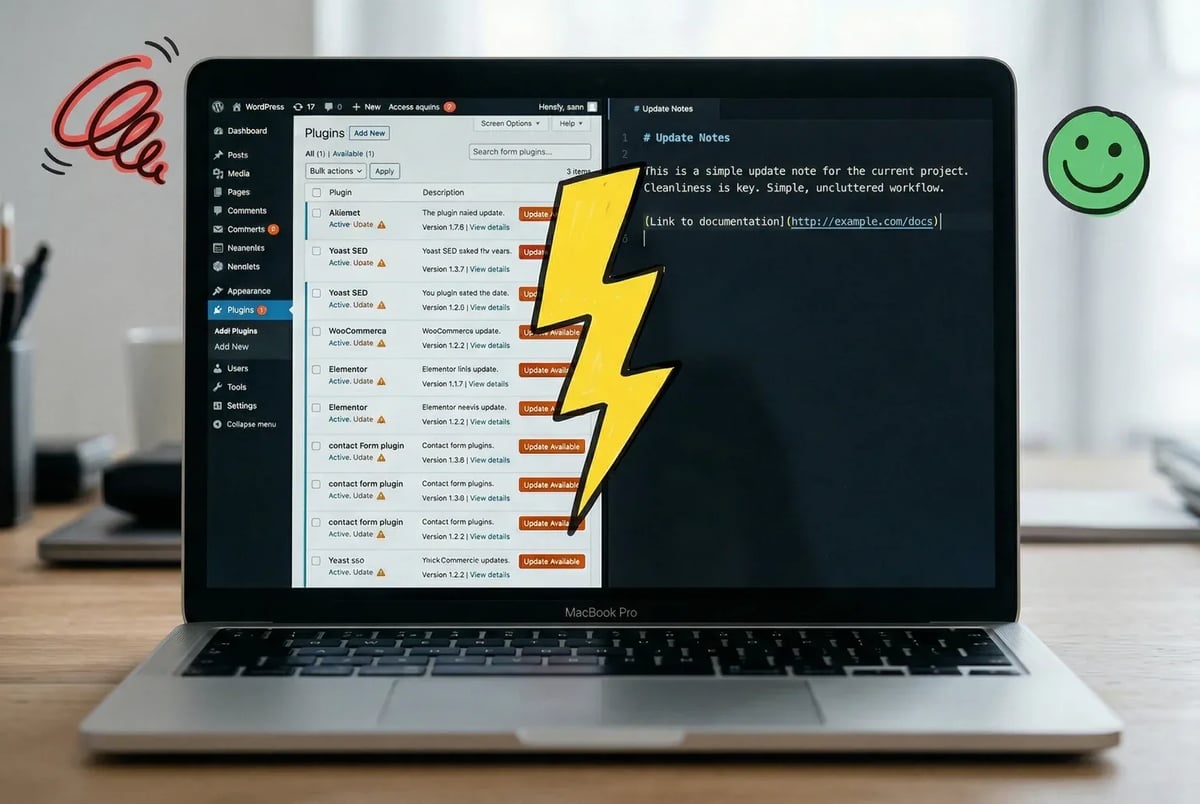
The strange thing about CMSs is that they were invented to solve a real problem. Before WordPress, putting words on the internet required a developer. WordPress fixed that. Non-technical people could publish, update, and manage a site without touching code. That was genuinely useful, and it explains why WordPress now powers about 42% of all websites.
But somewhere along the way, the cure started producing its own symptoms. The average WordPress site now runs somewhere between 20 and 30 plugins. Each plugin is a moving part maintained by a different team on a different release schedule. About 92% of WordPress security incidents trace back to plugins, and 42% of site owners miss critical patches within the first 24 hours. The thing that was supposed to simplify your site now requires a maintenance routine just to keep it standing upright.
And then AI arrived, and the mismatch got sharper. The modern AI coding tools, the ones that can generate, edit, and restructure an entire page from a plain-English description, work best when the content they’re touching is readable text in readable files. WordPress stores its content in a database. It renders pages through a chain of PHP, plugins, and theme overrides that no AI tool can reliably read or modify. You end up with a stack that is actively resistant to the workflows everyone is now trying to adopt.
That is the paradox. The CMS was supposed to hide complexity from you. Now it IS the complexity.
The good news is there’s a clear path out, and you don’t need to be a developer to follow it. We migrated the entire ClickMinded site: 209 blog posts, 33 lead magnets, dozens of landing pages; and we documented every step. The rest of this post is that documentation.
The people who built the web’s biggest CMS are leaving it too
We are not the first to do this, and the people who’ve done it before us are not exactly obscure contrarians.
Joost de Valk spent years as the creator of Yoast SEO, the plugin that taught a generation of WordPress users what a meta description was. He moved his personal site off WordPress to Astro on Cloudflare Pages, and wrote plainly about why: most simple sites don’t need a CMS. Pages and a blog? A static site generator handles that fine. The CMS is solving a problem you no longer have.
John O’Nolan built Ghost, one of the most respected publishing platforms on the web, specifically as a reaction to WordPress’s bloat. When someone posted a thread about migrating to Astro with GitHub and Cloudflare Pages, O’Nolan replied: “I recently did this and have no regrets so far.” The man who built an alternative to WordPress moved off that alternative too.
Lee Robinson, previous VP at Vercel and now a VP at Cursor, documented migrating cursor.com off a CMS and into raw code and Markdown files. The whole thing took three days and cost $260.32 in AI tokens. His agents exported the content, validated structure, and converted everything into Markdown. The output was 67 commits, 43,000 lines added, 322,000 lines removed.
That’s 322,000 lines of complexity being deleted.
The pattern here is consistent. People who understand web infrastructure at a deep level are choosing simpler stacks, not more powerful ones. They’re moving toward plain text files, static output, and setups that an AI tool can actually read and modify without a PhD in WordPress internals.
That’s worth sitting with. The argument for staying on WordPress has always been “it’s what everyone uses.” The people quietly leaving are exactly the ones who know the alternatives best.
209 posts, 33 lead magnets, and a decision to stop patching things
So what does this actually look like in practice? Here’s ours.
ClickMinded had accumulated a decade of WordPress: 209 blog posts, 33 lead magnets, a mix of landing pages built with page builders, a plugin stack that had grown one “we need this one thing” decision at a time, and a media library that had ballooned to a size no one was entirely sure about. The site worked, technically. It just cost more than it should, moved slower than it should, and resisted every attempt to do anything interesting with AI tooling.
We made a deliberate choice early: don’t try to migrate everything the same way. The content and the pages needed completely different treatments.
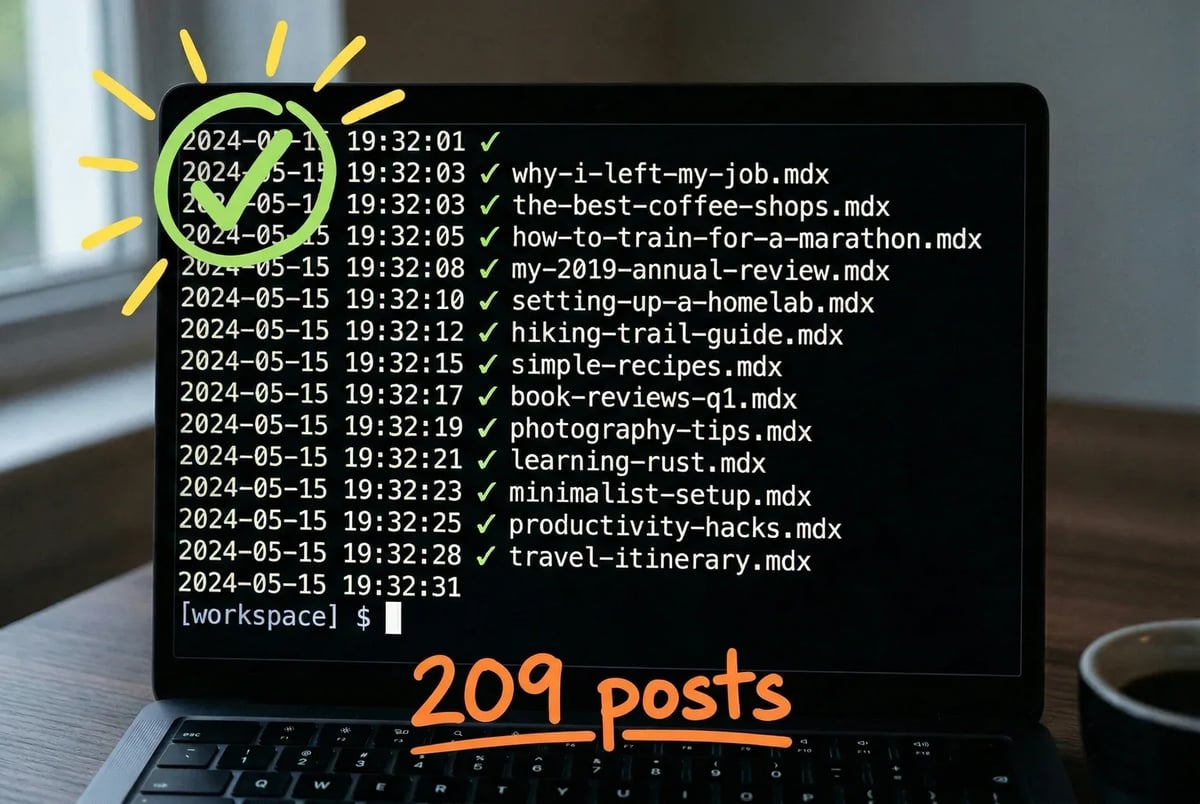
The blog posts and lead magnet pages were real content: text, metadata, structure. Those we migrated. We exported everything from WordPress, ran it through a conversion process to turn each post into an MDX file (plain text with a little formatting on top, readable by any tool, human or AI), and cleaned up the output as we went. 209 posts is a lot of files. Codex wrote a script that migrated the whole thing in 2 minutes.
The designed pages (the homepage, sales pages, promotional pages, tool pages) were a different story. Those had been built in page builders, which means the actual content was buried inside a structure that doesn’t cleanly convert to anything. You can’t export a Divi/Elementor/Oxygen page and get usable HTML. You get a blob. We didn’t try to rescue those. We rebuilt them from scratch as Astro components, which gave us clean, readable files we could actually understand and modify.
The architecture that came out the other side has three moving parts.
Content lives in MDX files: plain text files that sit in a folder, version-controlled in Git, no database required. Any AI tool can read them. Any editor can find them. Nothing mysterious is happening.
Pages are built with Astro, a static site generator that outputs plain HTML. It ships no JavaScript unless a specific component needs it. Pages load fast because there’s nothing extra on them.
For non-technical editors who need to make content changes without touching code, we use Sveltia CMS: an open-source tool that puts a clean editing interface on top of those Git files, so the experience looks like a normal CMS but everything is actually just committed to a Git repository.
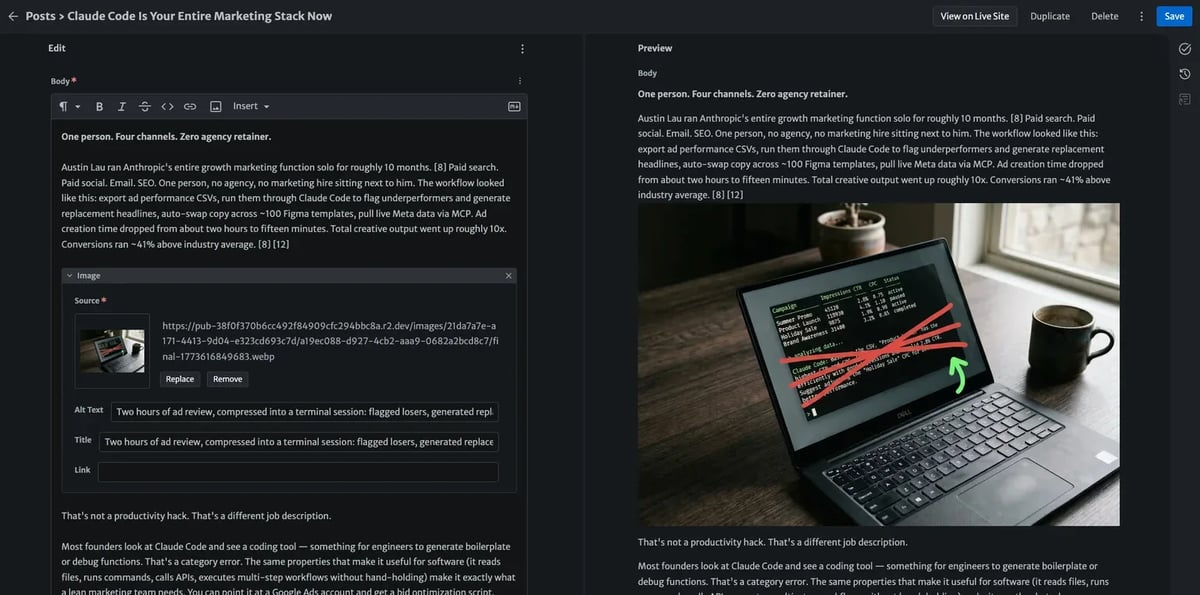
Media lives in Cloudflare R2: object storage that charges for what you store but doesn’t charge you every time someone views or downloads a file.
We host the site on Cloudflare Pages: static files served from Cloudflare’s global edge network, which means fast load times anywhere in the world without paying for a server that sits idle most of the day.
That’s the whole thing. Files, a fast static generator, and object storage with no egress fees. No database to maintain, no plugin update queue, no mystery overhead. Basically $0 in cost.
The playbook below is how we got from there to here.
How to actually move off WordPress without breaking your site
The playbook below is what we’d follow again if we had to do it twice. It’s written for someone who understands their own website but doesn’t write code for a living. Each step is doable. A few require patience.
None require a developer: just ask Claude Code or Codex for help doing each of the things below, or just send it a link to this post.
Step 1: Export your content from WordPress. Go to Tools → Export in your WordPress dashboard and export everything. You’ll get a .xml file (called a WXR file) containing your posts, pages, metadata, and comments. What it does NOT include: your theme, your plugins, or your actual media files. Images are referenced by URL inside the XML, but they live on your server and need to be downloaded separately. For very large sites, WordPress may split this into multiple files. That’s normal, just keep track of them.
Step 2: Download your media library. Use a plugin like WP All Export or access your server directly via FTP/SFTP to download your wp-content/uploads folder in full. This is your insurance policy. Get it before you touch anything else.
Step 3: Audit your URLs before you change a single one. Export a complete list of every URL on your current site. A free crawl tool like Screaming Frog (free up to 500 URLs) works well here. You’re building the left column of a spreadsheet that will eventually become your redirect map. This step is not optional, it’s the thing that protects your Google rankings.
Step 4: Convert your posts to MDX. Your WXR export can be processed by tools like wordpress-export-to-markdown to turn each post into a plain-text file. MDX is just Markdown with the ability to include small interactive components if you ever need them. You’ll need to ask Claude or Codex to clean up the output: check for broken formatting, fix any embedded shortcodes that didn’t convert, and make sure each file has the right metadata (title, date, slug, description) in its front matter.
Step 5: Rebuild your designed pages. Do NOT try to convert them. If any of your pages were built with a page builder — Elementor, Divi, Beaver Builder, anything like that — do not attempt to convert or migrate that output. The HTML those tools produce is so deeply nested and full of proprietary class names that it resists any automated conversion. Practitioners who’ve tried consistently report the same outcome: you spend days wrestling with the conversion and then rebuild it from scratch anyway. Skip straight to rebuilding. Take a screenshot of the original page, use it as a reference, and build the new version clean.
Step 6: Set up your Astro project. Astro is a static site generator, it takes your content files and page components and builds a folder of plain HTML that loads fast on any server. You can scaffold a new project with one terminal command (npm create astro@latest), connect it to a free GitHub repository, and then connect that repository to Cloudflare Pages for automatic deploys. Every time you push a change, the site rebuilds and goes live in seconds. The Astro docs walk through this connection clearly.
Step 7: Move your media to Cloudflare R2. Upload your downloaded media library to Cloudflare R2. R2 is object storage, think of it as a file cabinet in the cloud, with no fees for people downloading your files (unlike most alternatives). Update any image references in your MDX files to point to the new R2 URLs.
Step 8: Preserve your URLs. This is non-negotiable. Where possible, keep your URL structure identical. If a URL has to change, you need a 301 redirect (a permanent redirect that tells Google “this page moved here forever” and passes the SEO value along with it.) Build a 1:1 map from every old URL to its new destination, then implement those redirects at the server level (in your Cloudflare configuration, not in JavaScript). Test every redirect with Screaming Frog before you go live.
Step 9: Migrate your metadata. Every post needs its title tag, meta description, and canonical URL carried over correctly. Check that your Astro setup is reading these from your MDX front matter and outputting them in the right HTML tags. An AI assistant can audit a batch of files quickly here: this is one of the places where having plain-text content pays off immediately.
Step 10: Test, then cut over DNS. Spin up a staging URL, walk through your most important pages, test your redirects, check your metadata, and run a Lighthouse score. When everything passes, update your DNS to point to Cloudflare Pages. Keep your old WordPress install running (just don’t publicize it) for two to four weeks as a fallback while you confirm everything is working.
That’s the whole migration. The SEO preservation steps are where people skip and pay for it later. Don’t skip them.
This migration isn’t for everyone. Here’s how to tell which side you’re on
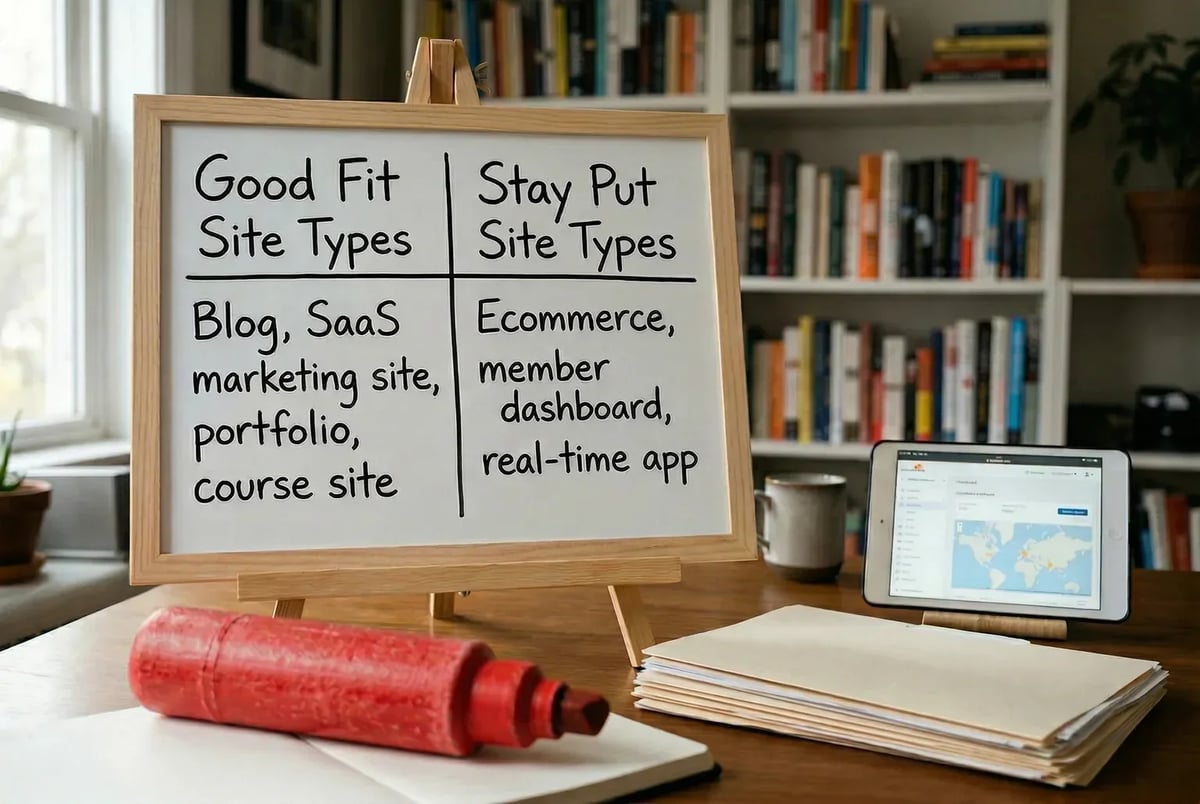
The playbook above assumes something important: that your site is primarily a content and marketing site. Blog posts, sales pages, lead magnets, landing pages. If that’s you, the migration is well within reach.
If it’s not, stop here.
Don’t do this if your site runs ecommerce. A WooCommerce store depends on inventory states, cart sessions, customer accounts, and payment processing. All things that require a live server responding to each request. A static site can’t do that without bolting on enough external services that you’ve essentially rebuilt the complexity you were trying to escape. The migration risk is real: product data misalignment, broken checkout flows, and 404s on category pages are common failure modes.
Don’t do this if your site is a web application. Member dashboards, real-time feeds, collaborative tools, live chat at the infrastructure level. These rely on persistent server connections and backend state that static hosting doesn’t provide natively. Trying to force them into a static setup means workarounds that cost more in time and money than just staying put.
The right profile for this migration looks like ours: a content-heavy site, mostly blog posts and marketing pages, SEO traffic worth protecting, a hosting bill that has quietly gotten out of hand, and a genuine frustration with how much overhead it takes to change a sentence on your homepage. If that description lands, the stack we’ve described: Astro, plain-text content files, Cloudflare for hosting and media; handles it well.
One honest note: this is not something to one-shot with Claude Code or Codex. The technical steps are learnable, but the SEO preservation work requires care and attention to detail. Rushing it is where migrations go wrong.
Here’s what a website actually feels like when it’s not fighting you
We opened this post with a list of things that are now just… true. The site loads in under a second. The hosting bill is a fraction of what it was. Editing a post means opening a file and changing words. Building dozens of perfectly optimized and beautifully designed pages takes a couple of prompts.
Those outcomes didn’t feel inevitable when we were inside the old setup. They felt like things other people’s sites did.
The performance numbers, when we actually looked at them, were clarifying. The average WordPress site loads in roughly 2.5 seconds on desktop and 8.6 seconds on mobile. Static Astro sites, in case after case, hit PageSpeed scores in the 95-100 range with TTFB reductions of 80% or more. One detailed WordPress-to-Astro comparison logged LCP dropping from 0.81 seconds to 0.44 seconds and CSS payload shrinking by 90%. Tracksmith’s migration to Astro translated directly to business results: better add-to-cart rates, lower abandonment. Which suggests faster pages aren’t just a vanity metric.
Cost reduction is another massive benefit. Managed WordPress hosting at any reasonable traffic level runs well into the hundreds of dollars annually, and that’s before factoring in premium plugins, a CDN, a backup service, and the occasional developer call to fix something that broke after an update. Cloudflare Pages hosting is free up to generous limits. Cloudflare R2 storage bills by actual usage. The math is not close.
For people worried about how much they’re spending on Claude Code and Codex tokens: the savings from moving off of WordPress basically cover the cost of both the Claude Code Max Plan and the Codex Pro Plan.
The part that surprised us most, though, was the editing experience. When your content lives in plain text files in a Git repository, an AI tool can read the whole site, understand its structure, and help you write, update, or reorganize content without navigating a CMS at all. That’s not a theoretical future capability. It’s just how the stack works now. You paste a file, describe what you want changed, and the content updates. No login. No plugin conflict. No block editor that has forgotten what your brand fonts look like.
We set out to simplify an increasingly complicated website. What we got was a setup that compounds in the right direction: easier to edit, cheaper to run, and faster to load as the content grows rather than slower.
That’s the trade. And for a site like ours, it was obviously worth making.
One update since we published this: the website turned out to be the first domino, not the whole story. Once we started judging every tool by the same question — can an AI operate this for us? — the rest of the stack came under review too. The next thing to go was our email platform: we moved our email marketing to Bento, an AI-native ESP, for exactly the reasons described in this post. It won’t be the last.
We’ve done this ourselves. Here’s where to go if you want it done for you
If you’ve read this far and want someone to handle the migration rather than run the playbook yourself, we built a service for exactly that. It’s called Agent-Native Websites, and it covers the full move: exporting your content, rebuilding your key pages from scratch, setting up the Astro and Cloudflare stack, writing every redirect, preserving your metadata, and handing you back a site that’s fast, cheap to run, and actually works with AI tools instead of against them. It’s the same process we used on the site you’re reading right now (209 posts, 33 lead magnets, all the SEO we’d spent years building) so there’s no part of it we haven’t worked through ourselves.
If that’s useful to you, the details are here.